






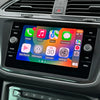


As in-car technology evolves, keeping your vehicle's systems updated is crucial, especially components like the USB port that supports Apple CarPlay and Android Auto. If you’re experiencing connectivity issues with Apple CarPlay, it might be time to replace your USB port. Early 2015 and 2016 Volkswagen and SEAT vehicles introduced the MIB 2nd generation system, which supported Apple CarPlay. However, not all vehicles from this period were equipped with compatible USB ports due to the staggered introduction of Apple CarPlay in September 2015 and its wider adoption in 2016. Consequently, some vehicles from this era might require an updated USB port to fully utilise Apple CarPlay.
But how do you determine whether a replacement is necessary? This guide will help you diagnose the need for a new USB port and ensure that your car remains equipped with the latest tech.
1. Your Vehicle Has One Of These Installed SW Train Versions
If your Volkswagen has one of these Installed SW Train Versions, it may be affected (where XX means any digit):
- MST2_EU_VW_PQ_P02XXT
- MST2_EU_VW_ZR_P02XXT
- MST2_EU_SE_ZR_P02XXT
- MST2_EU_SE_PQ_P02XXT
In some rare cases if you have a single USB port and your version is:
- MST2_EU_SE_ZR_P03XXT - this will need replacing as well.
To confirm replacement, physically remove your USB port and look for a green connector in the next step.
2. Check Your USB Port To See If It's Green
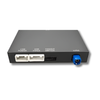
Grab yourself a thin tool to pry out the USB port from your vehicle. A knife or thin screwdriver should do the job. Remove the USB port slowly (while the cable is still connected). If it looks like this with a purple/pink connector behind then it needs replacement.

Part number: 5G0 035 222 F (Android Auto only).
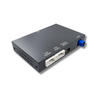
The replacement port looks like this with a green connector instead:

Part number: 5G0 035 222 E (Apple CarPlay and Android Auto)
If you need a new USB port, head on over to our product page here.
For your reference, here's a YouTube tutorial demonstrating replacement of the port.
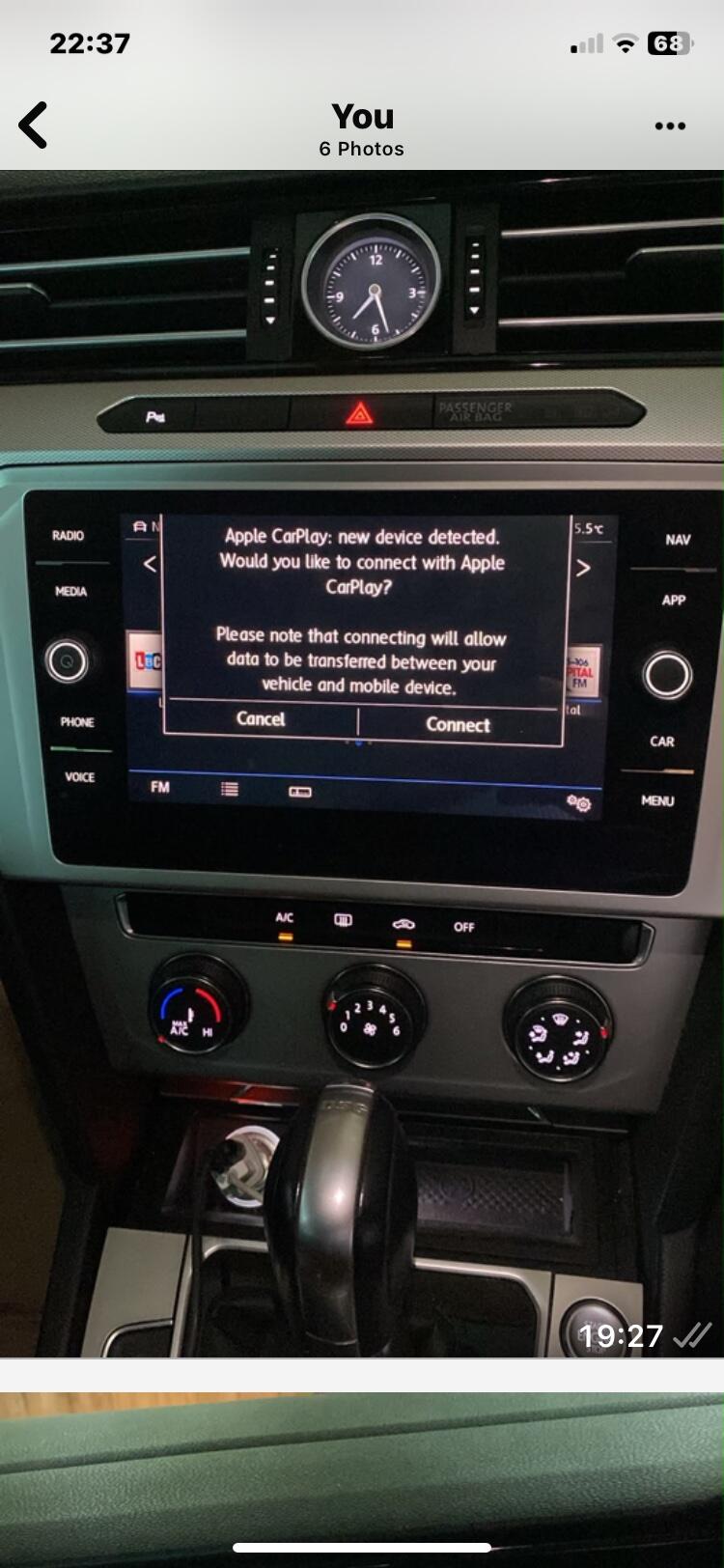
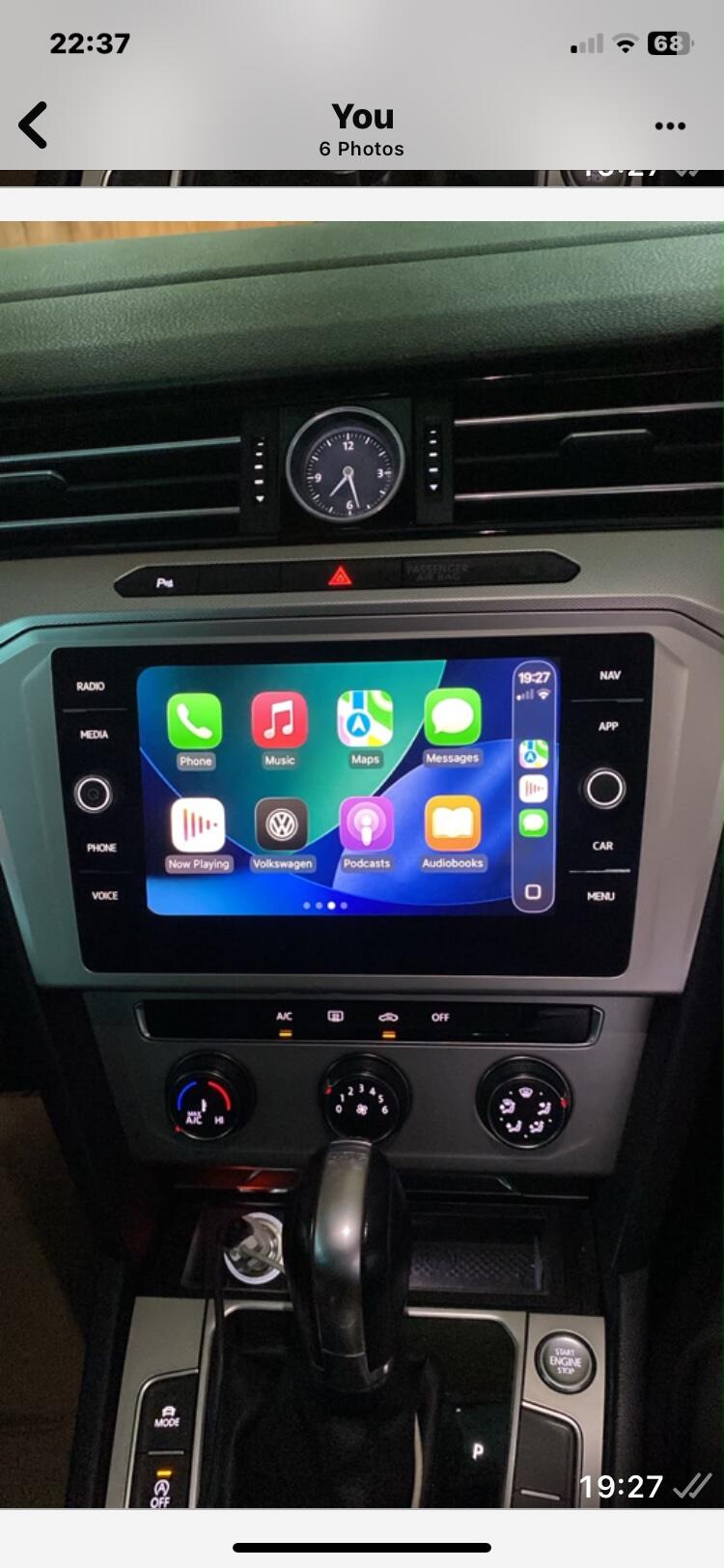
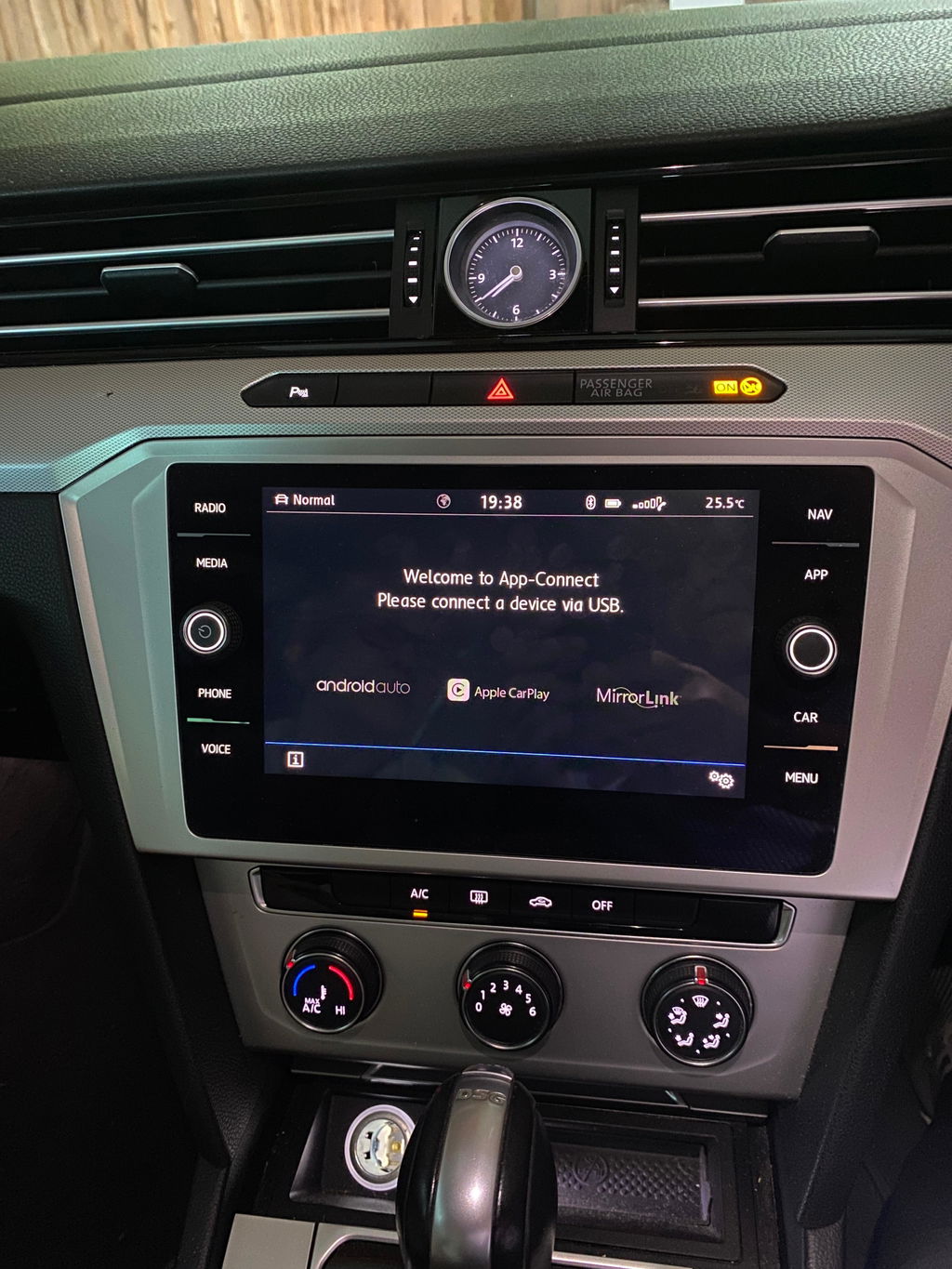
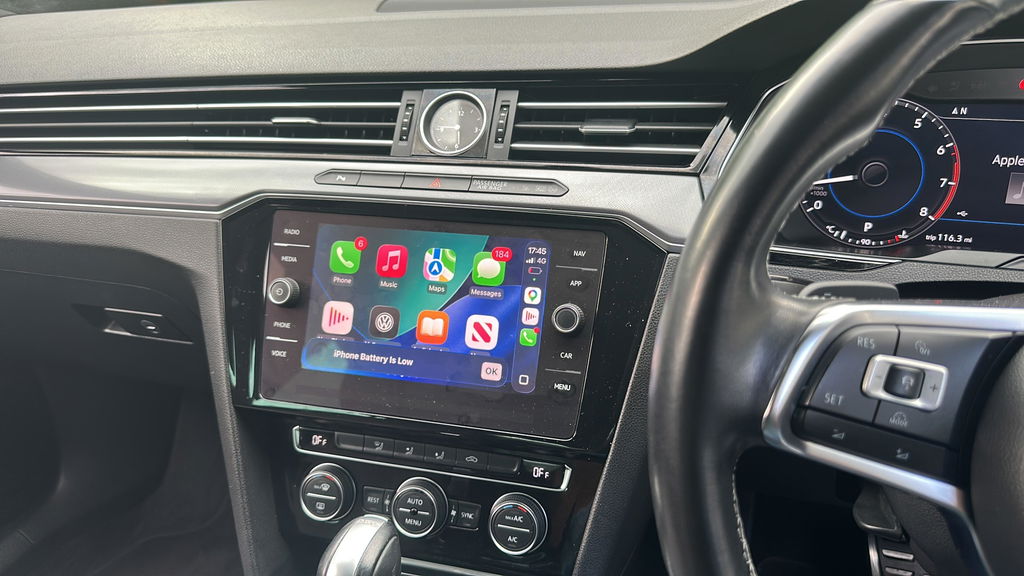
Comment (11)
I have a 2018 Passat, i’m trying to replace the front USB connector that looses connection when going over bumps. My original USB is 5G0 035 222 ( which plays Apple carplay) I have tried installing 5G0 035 222E and it does not power up any devices, also, the original USB does not have the red and black wires above the green connector where the 5G0 035 222E has a slot for them. Am I using the wrong USB? Thank you for any & all advice.
Hi I have a white Vw polo 2016 I’ve worked out that I have MST2_EU_VW_ZR_P02XXT
But I don’t know where this usb will fit mine will it? Thanks
Sir. I have a Volkswagen Tiguan 2015 (Reg: PF15UVW). I can connect my iPhone to the VW audio via blue tooth but I can’t get Carnet or WLAN. There is a notice that pops up on the screen saying: “Unable to connect to internet. Check WLAN availability. Get an activation key to use this function”.
My installed SW train version is
MST2_EU_VW_PQ_P0241T
Installed SW MU Version: 0241
Part #: 5C0035680C
I also have a factory installed USB block but I don’t know if it is 222F or 222E because I can’t remove it to see the colour. Does it need to be removed or there is another way to find out if it is Apple compatible?
Can you please advise if I order your SD card for Apple iPlay, I will be able to get my car screen activated by wireless or wire through my iPhone.
Other information is as follows:
HMU Software: H25.14.25_STD2NavPQ_EU
Software base:
H25.14.25-201503171531
CGRun #:
H25.14.25-201503171535_STD2NavPQ_EU_20…
I am prepared to visit your shop if you are based in London. My post code is London SW20.
Thank you.
Syed
Phone 07935947539
Hi there I have a 2016 blue tech polo with the code Mst2_eu_vw_zr_po252t
And this only has one sd slot? Will this work on my car if I bought the sd card?
I have a mk7 golf with one so slot in the glove box my sw is mstd_eu_vw_p3163 can you help thanks