








How to Enable Apple CarPlay and Android Auto in VW MIB2 Vehicles
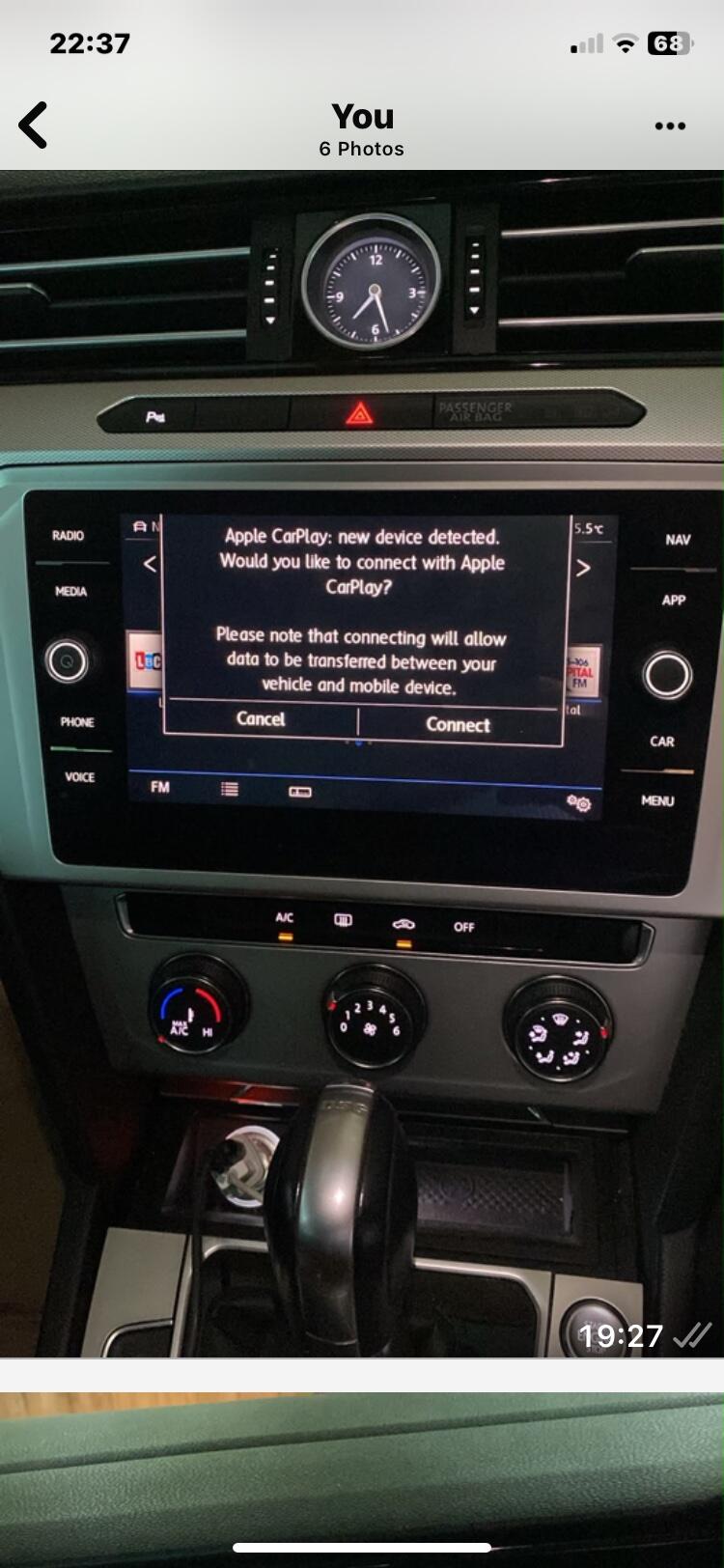
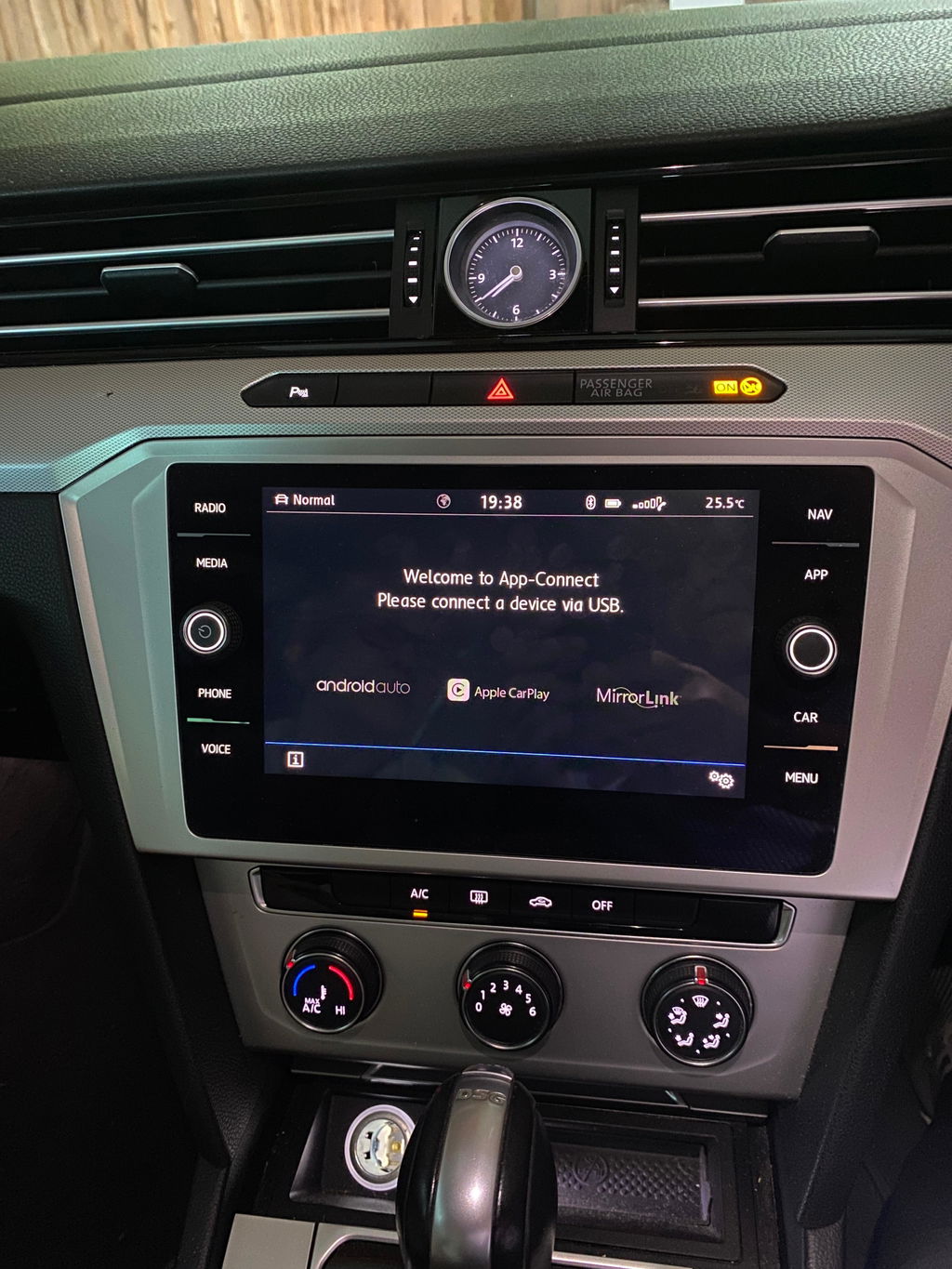
If you want Apple CarPlay or Android Auto in your Volkswagen without changing the original head unit, a compatible VW MIB2 system can make it a quick and straightforward upgrade. This guide explains how to check whether your vehicle is supported, what to look for on the version screen, and what to know before ordering.
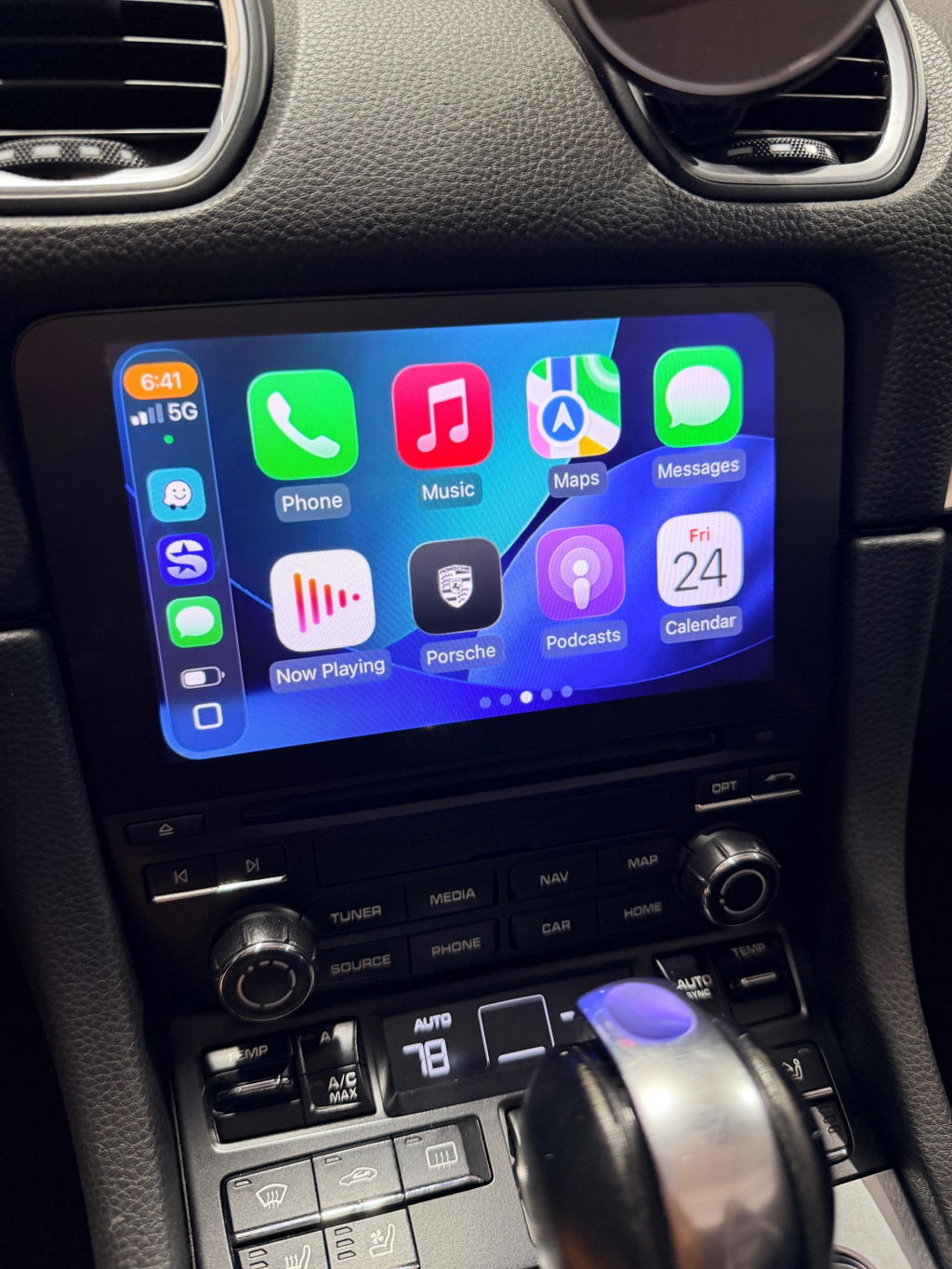
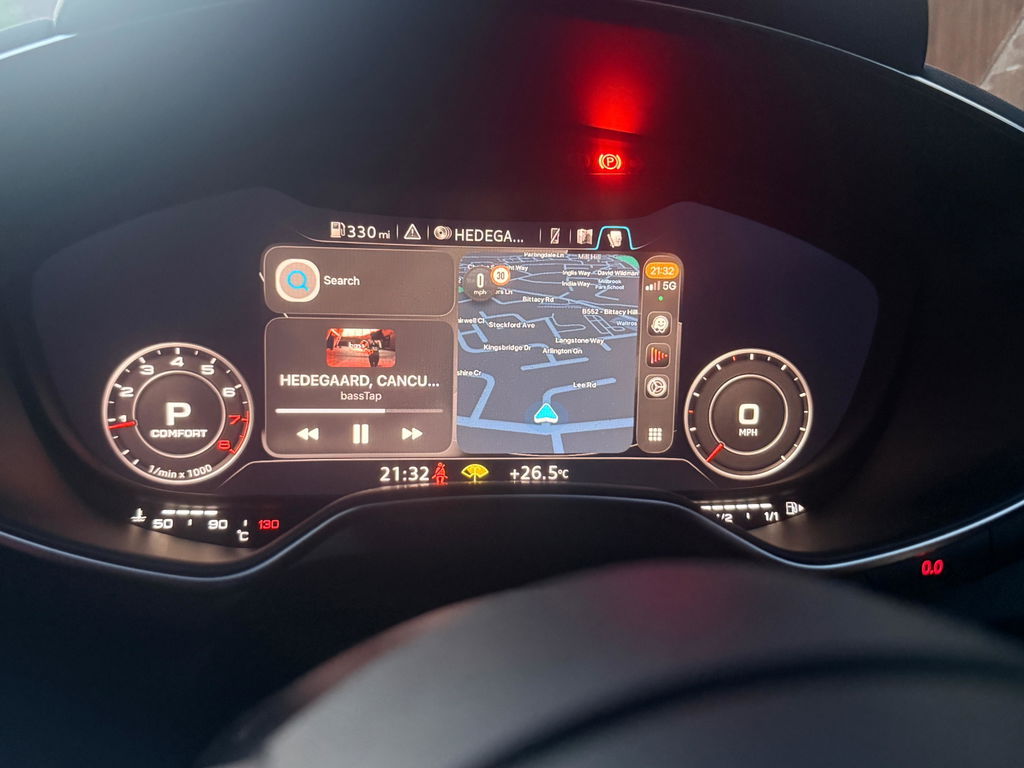
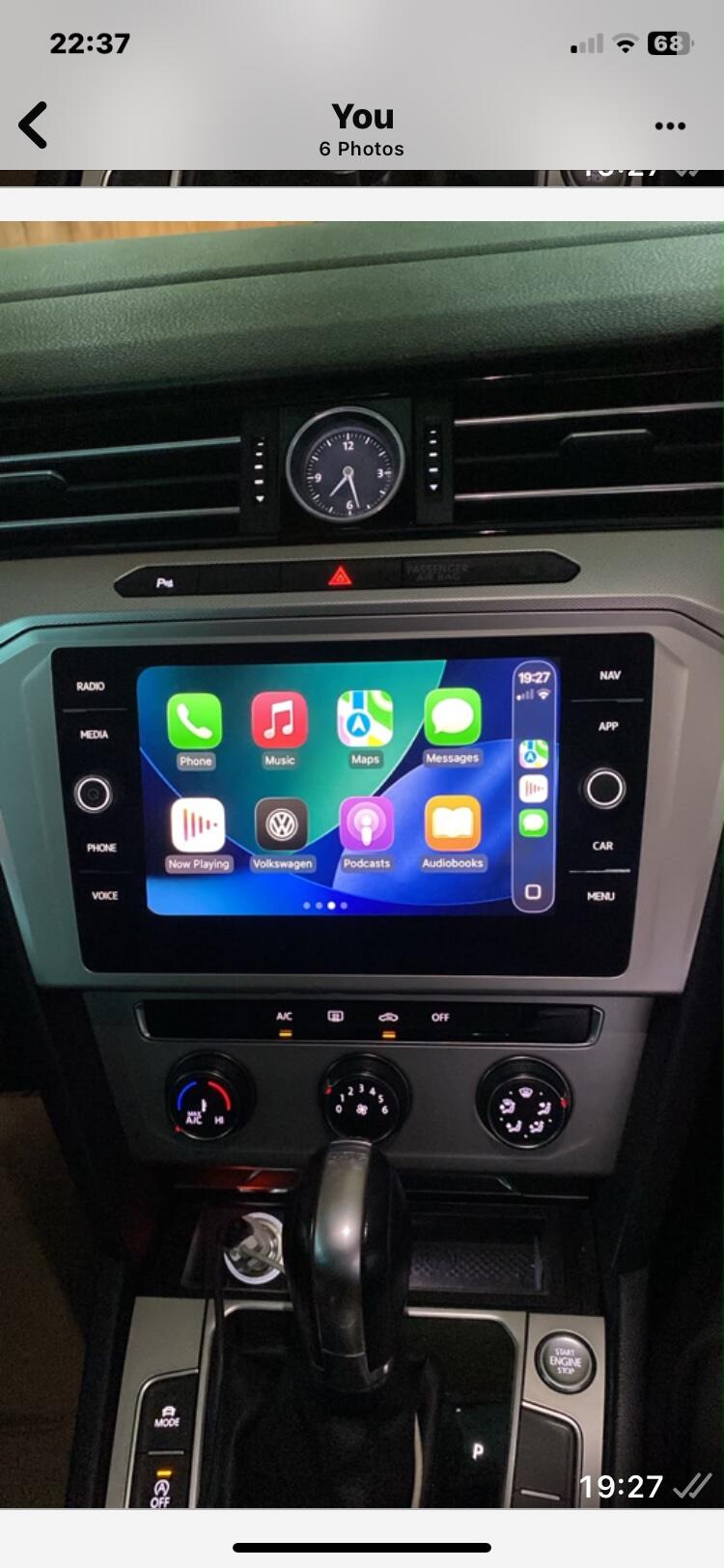
For many owners, this is one of the best infotainment upgrades you can make. It brings modern navigation, music, calls and messaging to the factory screen while keeping the car looking completely original.
What this upgrade gives you
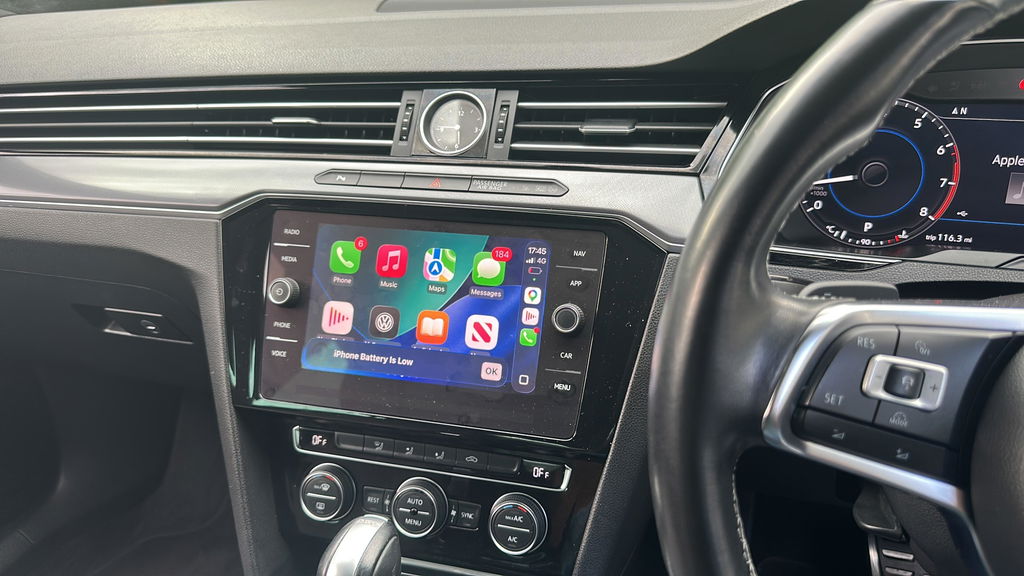
- Wired Apple CarPlay
- Wired Android Auto
- Access to maps, music, messages and calls through the factory display
- A simple SD card-based setup with instructions included
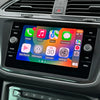
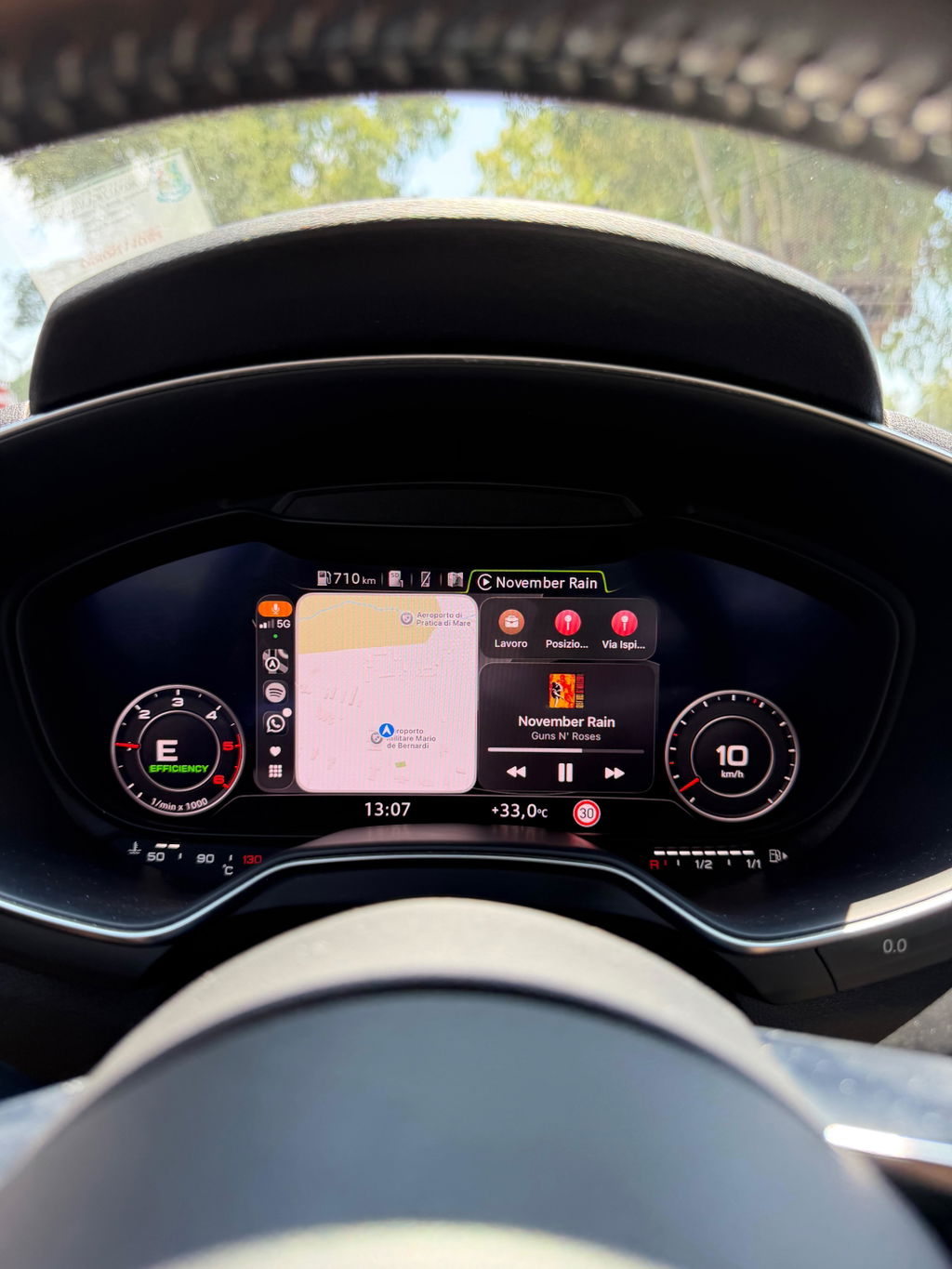
Once set up on a compatible vehicle, you can use popular apps such as Apple Maps, Google Maps, Waze and Spotify directly from the infotainment screen.
Which VW vehicles are compatible?
This guide is for compatible Volkswagen vehicles from roughly 2015 to 2020 fitted with an MIB2 head unit. The most important thing is not just the vehicle year, but the software version shown in the infotainment system.
If your unit begins with MST2, you are in the right range to continue checking compatibility.
How to check if your VW MIB2 unit is compatible
Step 1: Open the software version screen
- Hold the MENU button for 3 seconds
- Select Software update/versions
- Check Installed SW Train Version
Step 2: Check the beginning of the software version
Your software version should begin with MST2.
Examples include:
MST2_EU_VW_P0635DMST2_EU_VW_PQ_P0363TMST2_EU_VW_ZR_P0468T
Step 3: Check the SD card slot layout
In most cases, your head unit must have two SD card slots labelled SD1 and SD2. If it does, and your software begins with MST2, it is a supported headunit.
If your unit only has a single slot labelled SD, then in most cases this solution is not suitable.
Single-slot exception
There is one limited exception for certain one-slot vehicles. If your car has a single SD slot and your software version ends with the letter D, it may still be possible. If you are unsure, it is best to confirm your software version before ordering.
A separate SD slot located elsewhere in the vehicle is not considered compatible for this product.
Important note for 2015 and 2016 VW models
If your Volkswagen is a 2015 or 2016 model, you may also need to check whether the USB socket is suitable for Apple CarPlay. This extra check is typically not needed for later model years.
What you receive
Email option
Your order data is sent by email, normally within 1 working day. You will need your own Windows or Mac computer and a spare SD card between 4GB and 32GB.
SD card option
You receive a pre-loaded SD card by post with instructions included. This is the easiest option because it is essentially plug-and-play and does not require a computer.
The SD card does not need to remain in the unit afterwards, so you can remove it once setup is complete.
Setup overview
- Check that your software version begins with MST2
- Confirm whether your unit has SD1 and SD2
- If your car is a 2015 or 2016 model, verify that the USB socket is suitable for Apple CarPlay (learn more)
- Choose Email or SD card
- Receive your order and follow the included instructions
Why VW owners choose this upgrade
Apple CarPlay and Android Auto make the factory system far more convenient for daily driving. Instead of relying on older built-in navigation or limited media functions, you can use the apps you already know on your phone, directly through the original screen.
- Better navigation with Apple Maps, Google Maps or Waze
- Easier music and podcast control
- Hands-free calls and messaging
- A factory-style solution without replacing the head unit
If you later want a more convenient wireless experience, you can add a separate wireless adapter after setup, as the original system itself supports wired connections.
Frequently asked questions
Will this work on every VW from 2015 to 2020?
No. You should always check the software version and SD slot layout first. Compatibility depends on the head unit, not just the vehicle year.
What if my software starts with MST2?
That is the correct range to continue checking, but you should still confirm the SD slot layout and, on 2015/2016 vehicles, the USB socket requirement.
What if I only have one SD slot?
In most cases, one-slot units are not suitable. The only limited exception is where the phone integration menu is already present and the software version ends in D.
Do I need specialist tools?
No. The process is designed to be simple and is carried out via SD card with instructions included.
Is it wired or wireless?
The factory setup is wired. If you want wireless use afterwards, you can add a separate adapter.
Does the SD card need to stay in the car?
No. You can remove it afterwards if you want to use the card for another purpose.
Ready to check your VW MIB2 system?
If your Volkswagen has a compatible MIB2 unit, getting Apple CarPlay and Android Auto working can be quick and straightforward. The key first step is checking your Installed SW Train Version and SD slot layout before you order.

Comment (1)
Are you able to send the files today?