Recherches populaires
- High-end
- Portable
- Soulful
- Speaker

World's most advanced wireless adapter
World's most advanced wireless adapter


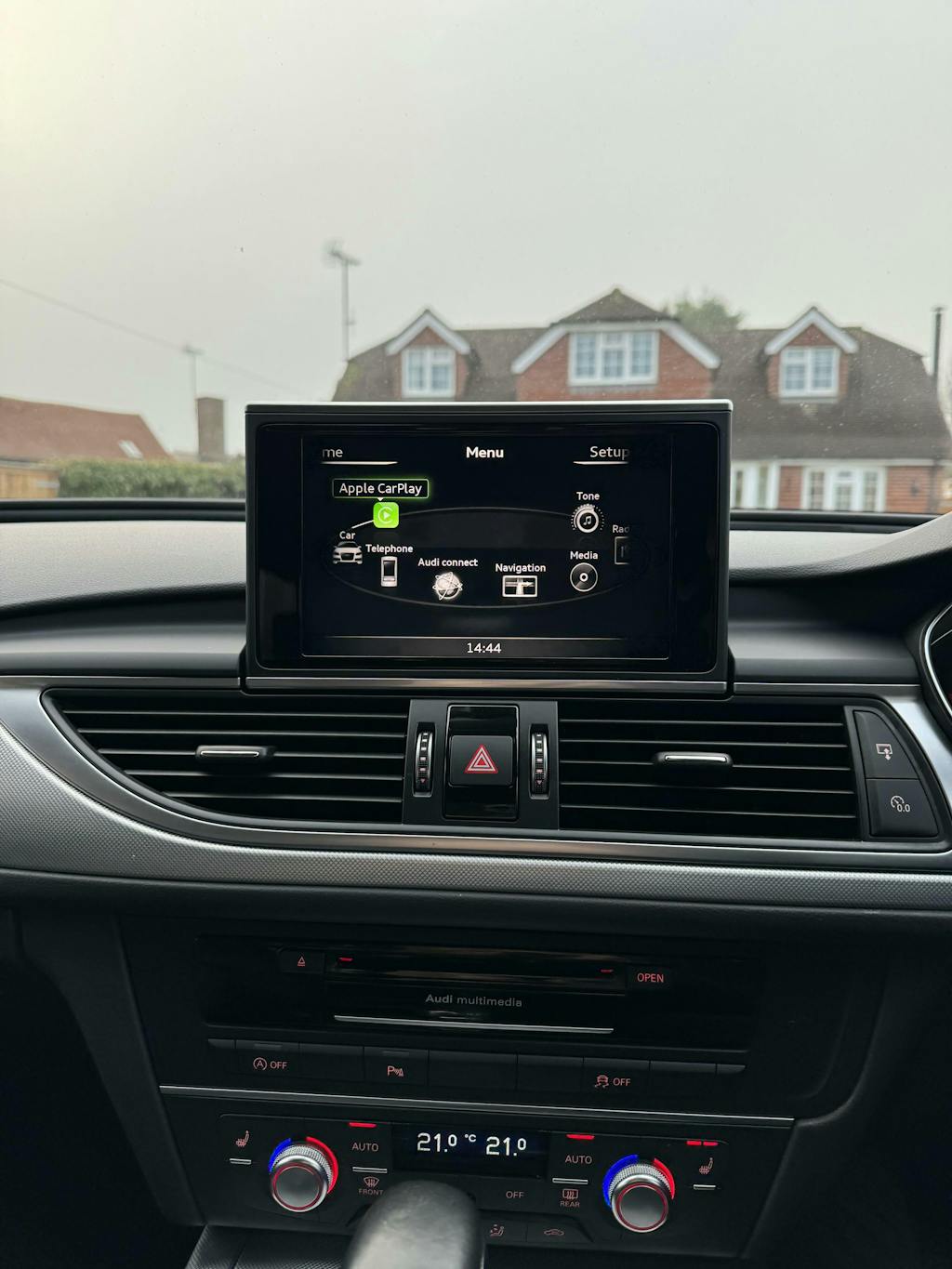
Installez CarPlay ou Android Auto filaire dans votre véhicule compatible en moins de 30 minutes.
Mode de livraison
UPGRADE TO WIRELESS (RECOMMENDED)
Aucun produit trouvé
Digital email delivery (within 24 hours) or sealed SD-card, each providing a one-time software activation.
By purchasing, you request immediate supply and acknowledge that downloading the files or unsealing the SD card ends your 14-day cancellation right under the Consumer Contracts Regulations 2013.
Refunds are only available if the content or card is faulty or not as described.
Mode de livraison
Connected Driving, Redefined
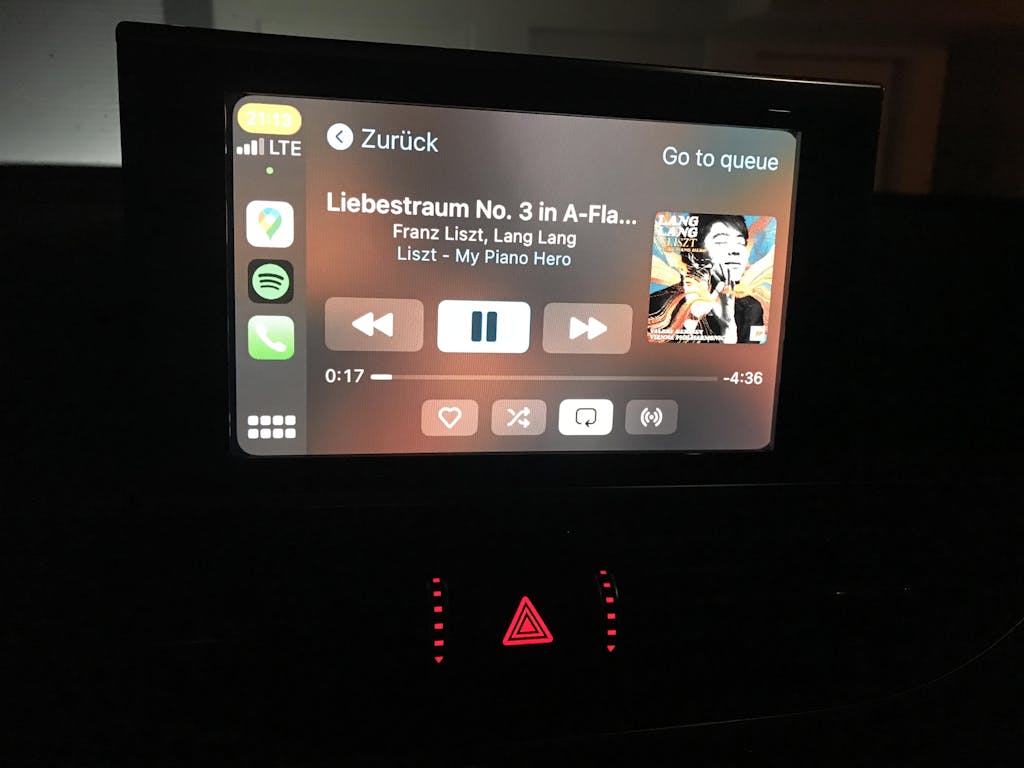
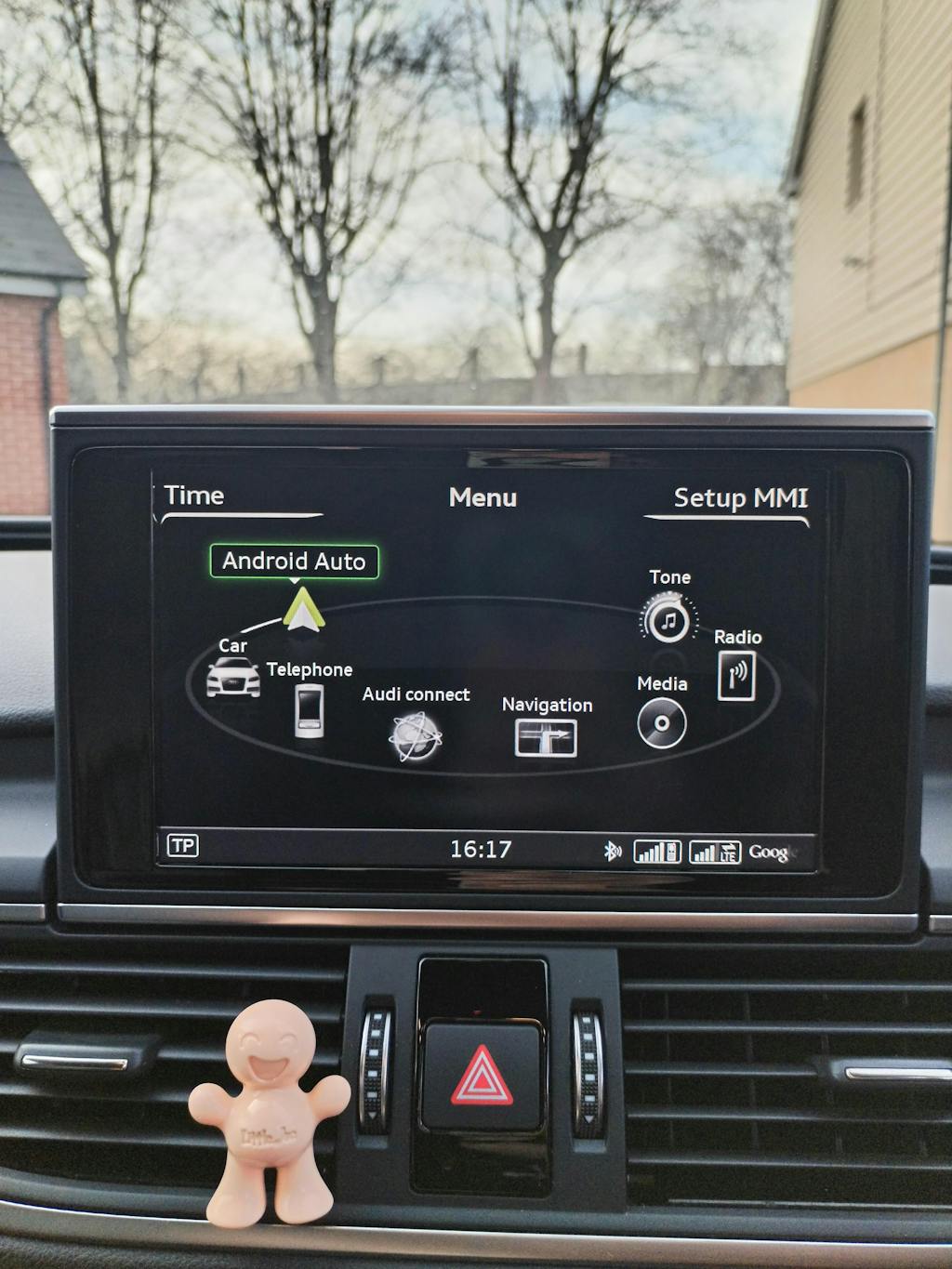
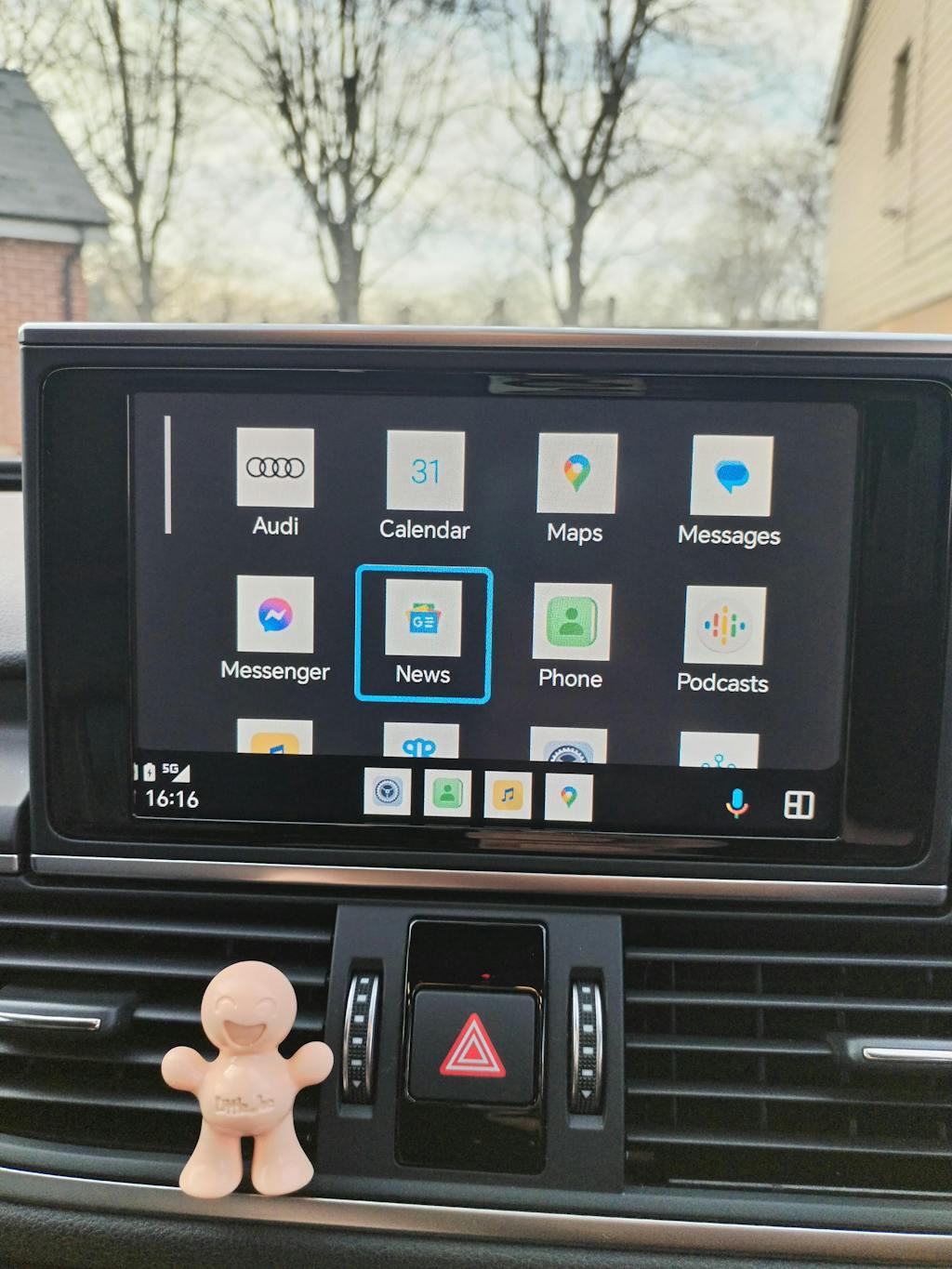
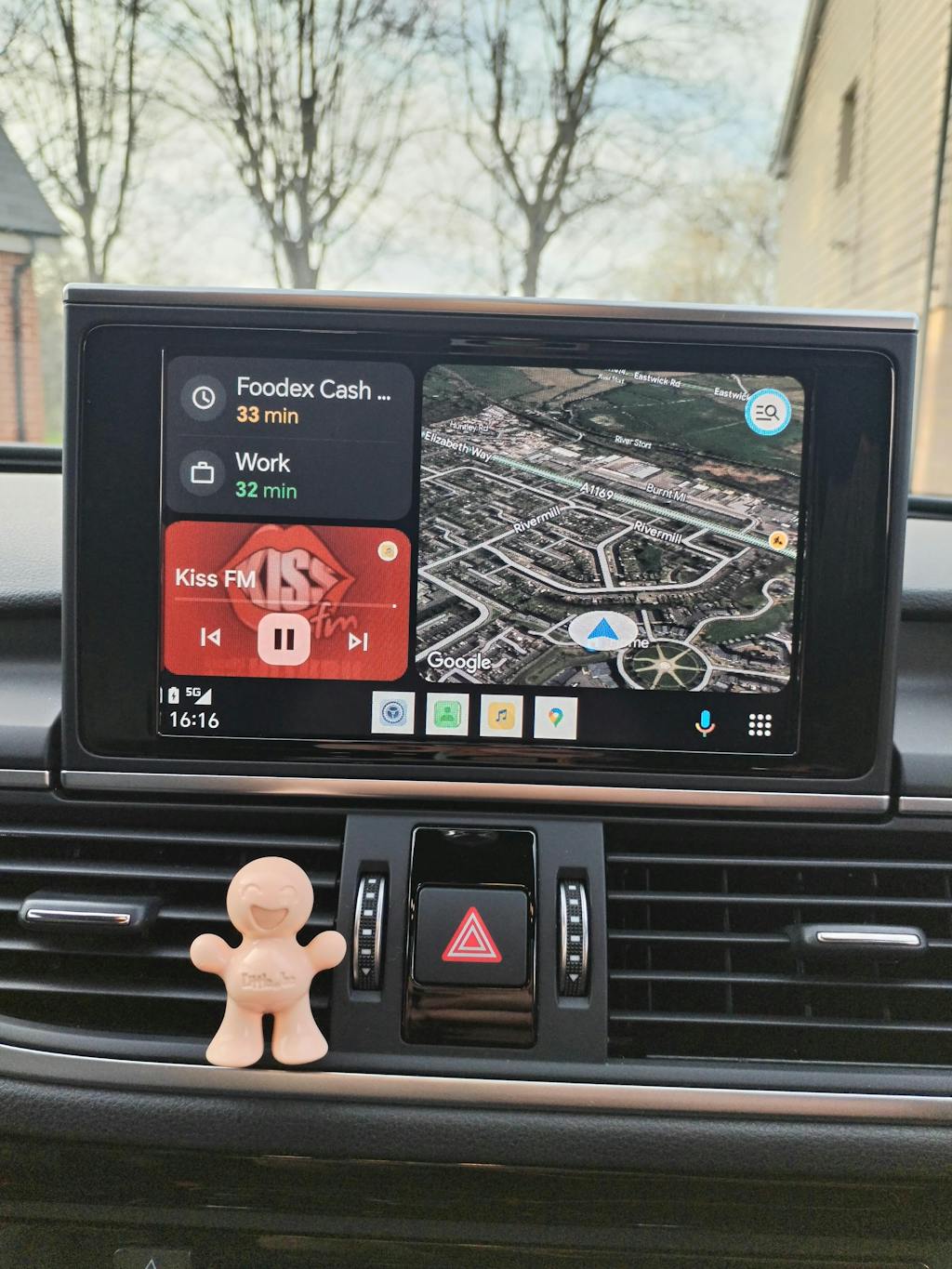
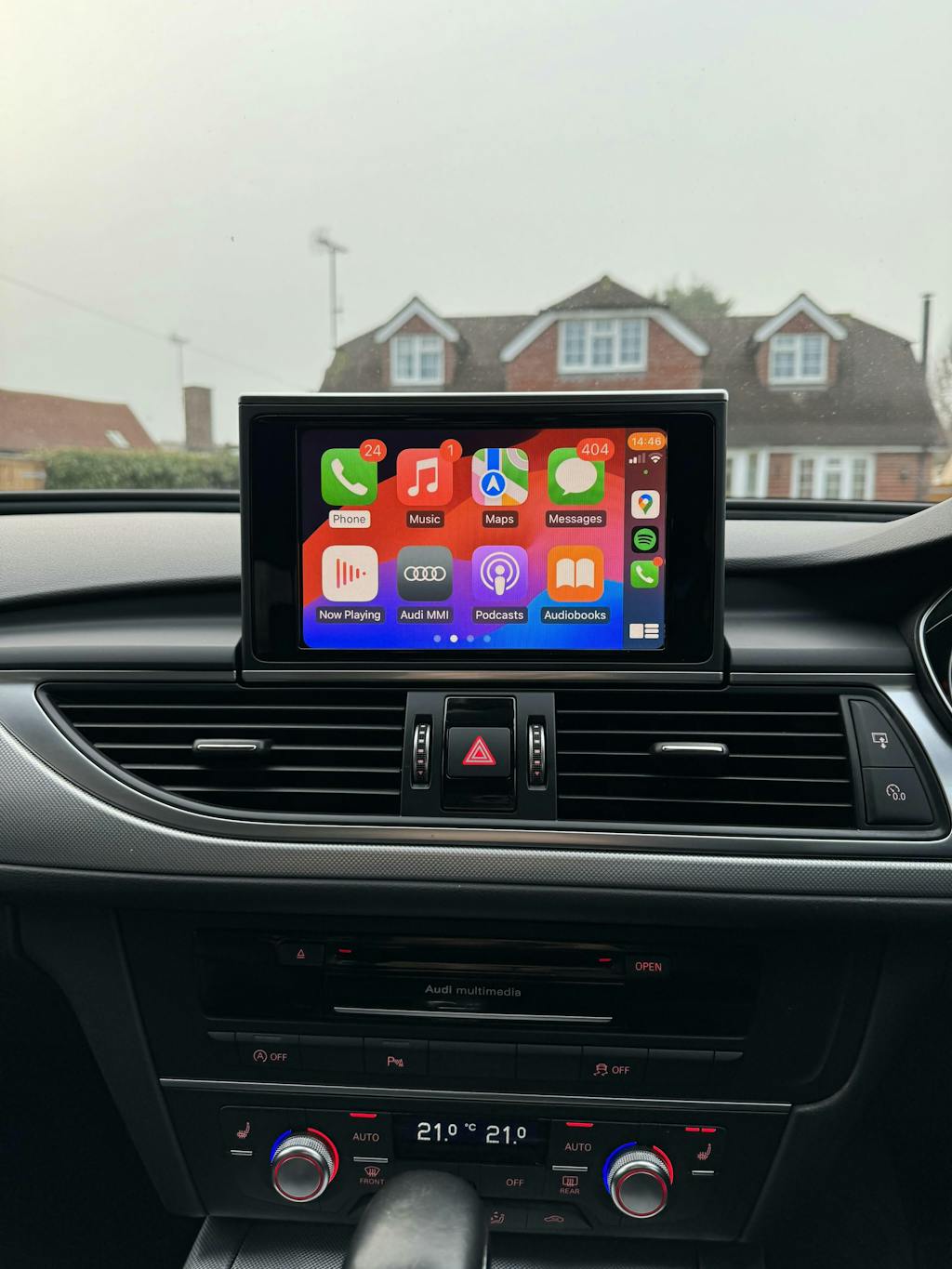
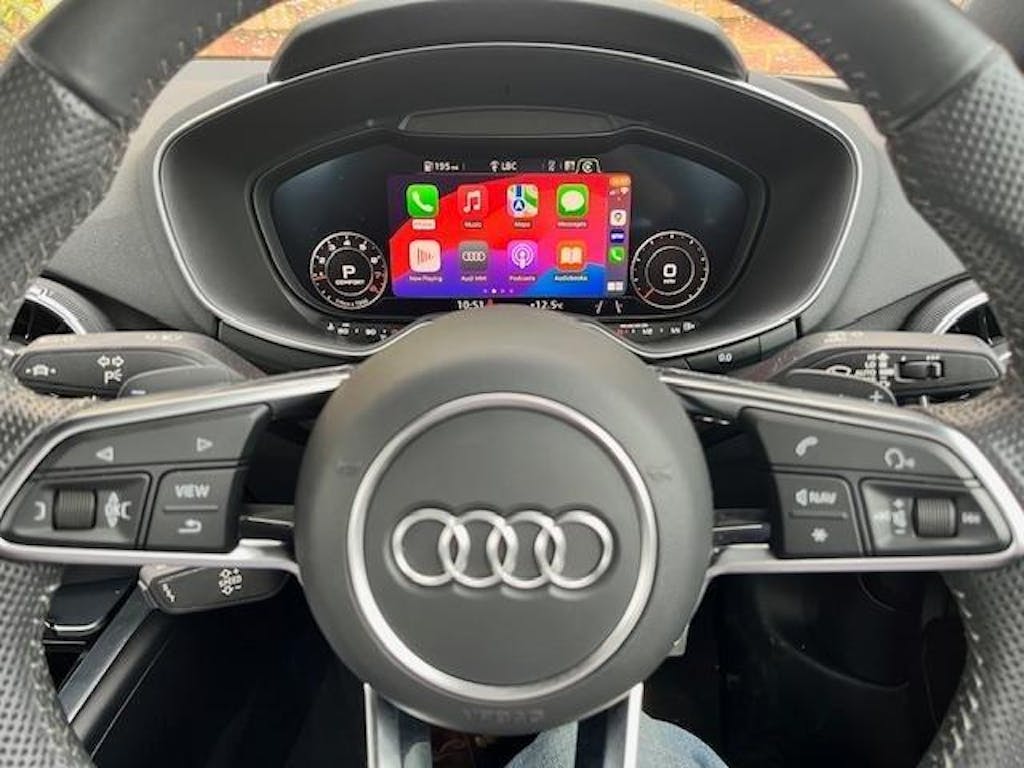
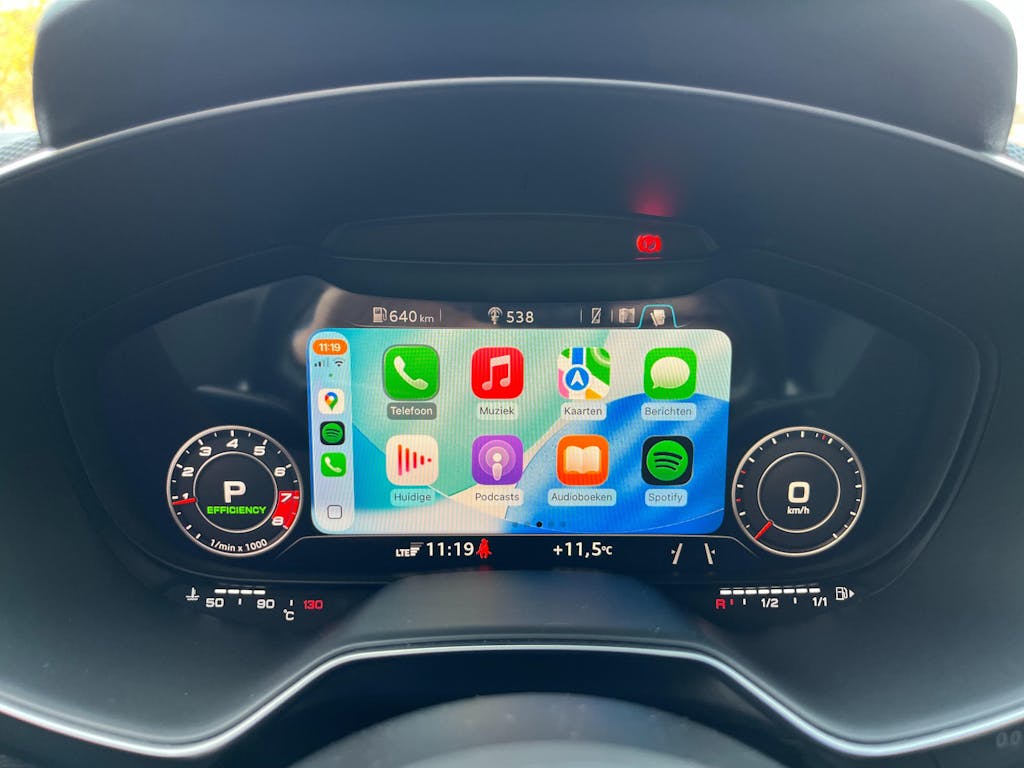
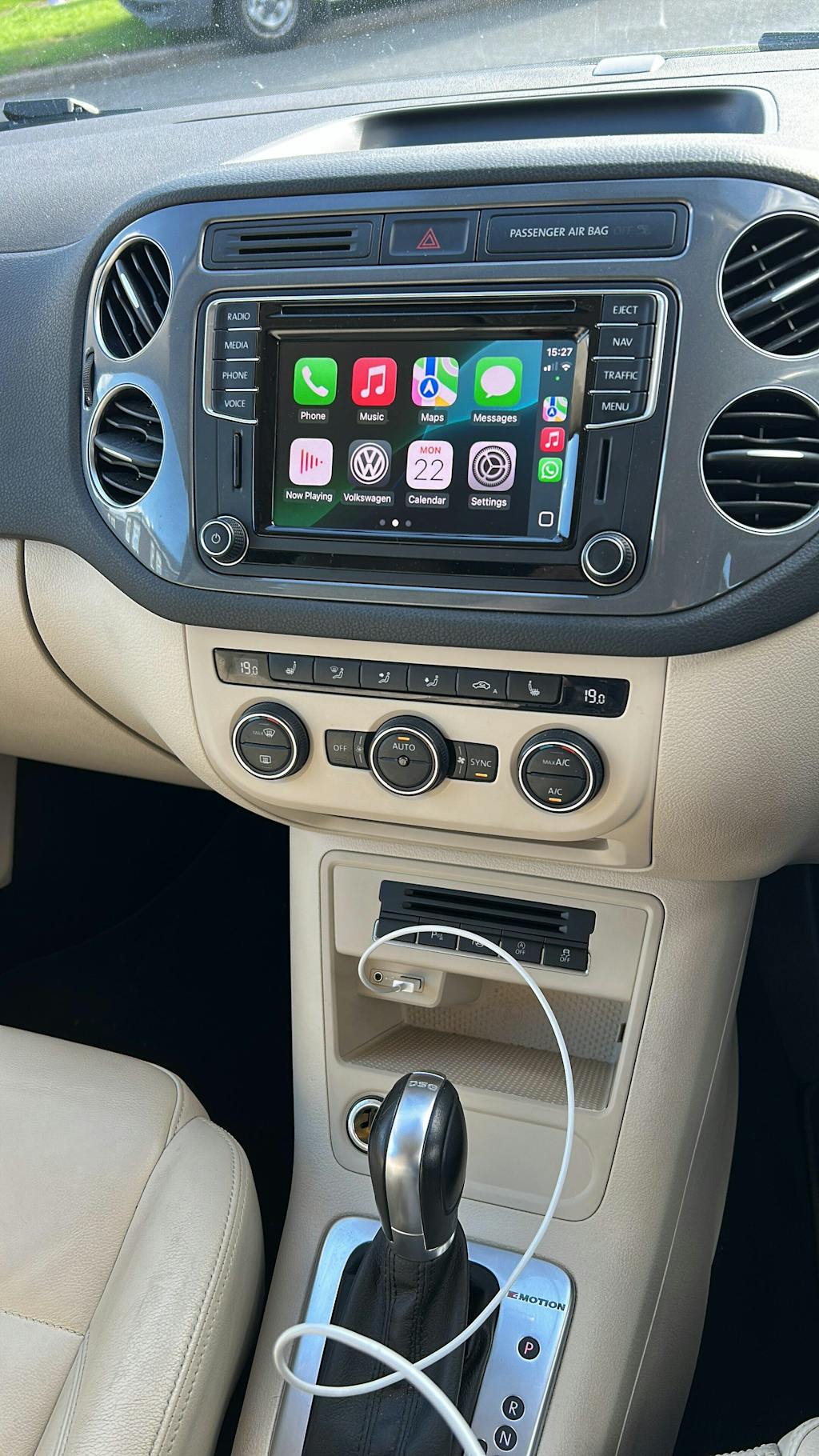
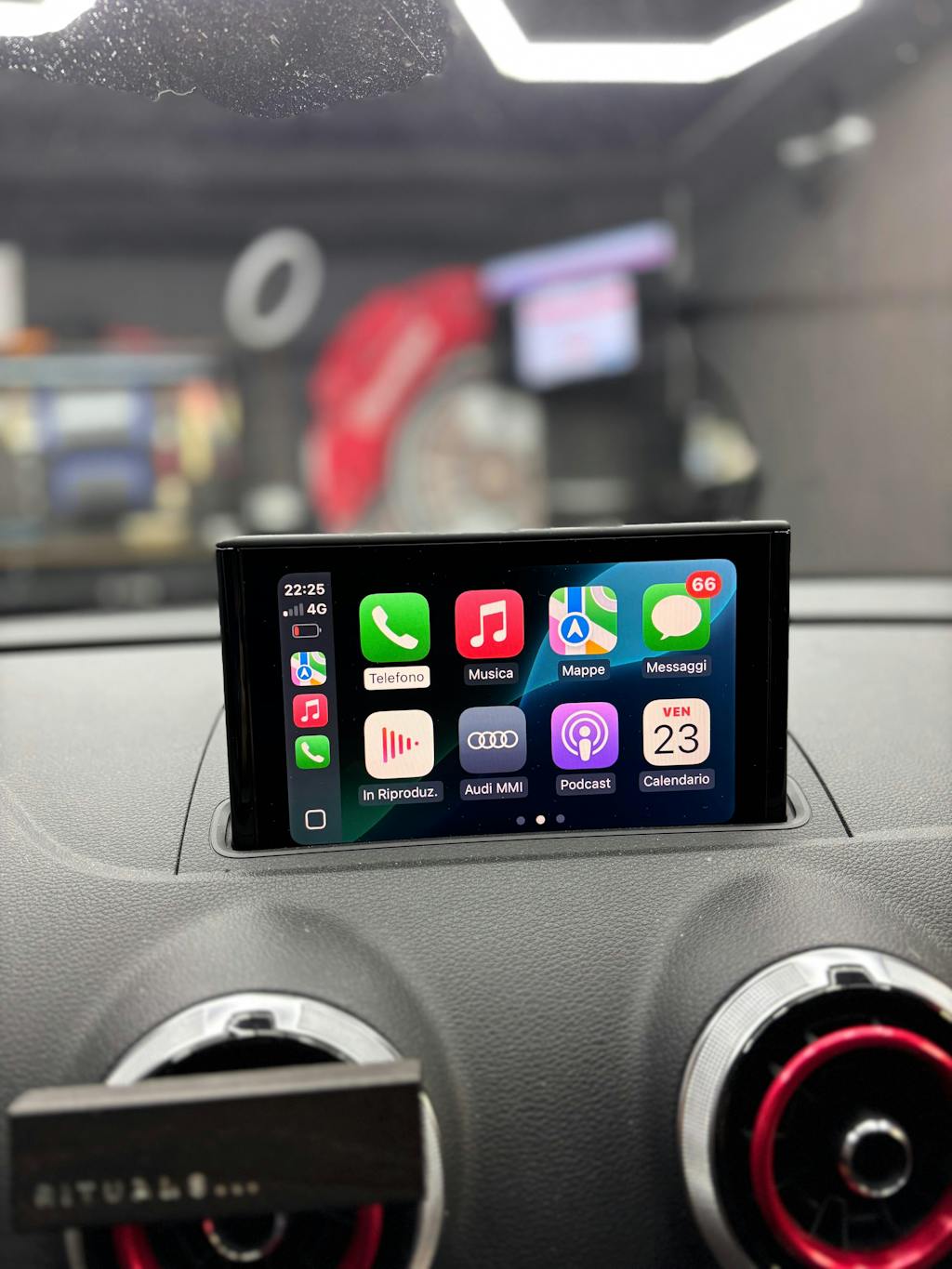
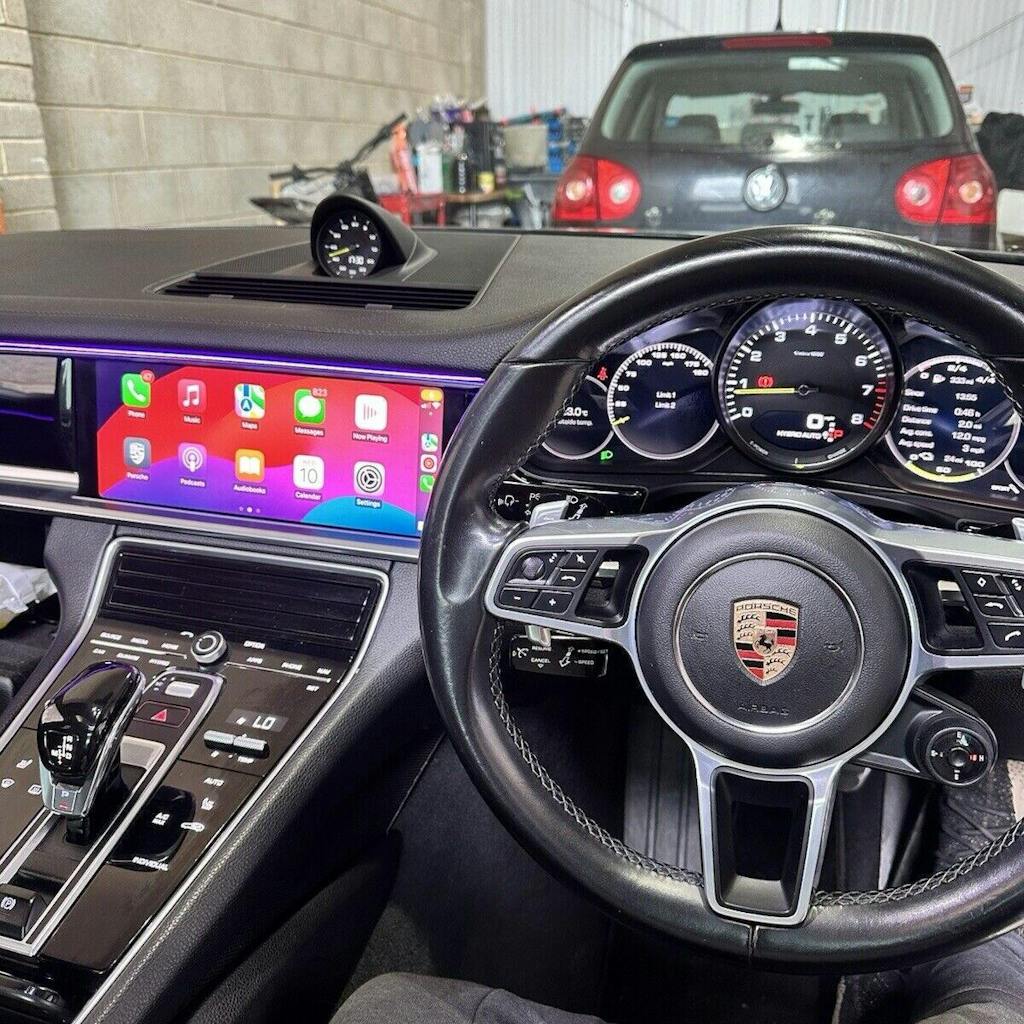
Apple CarPlay & Android Auto Integration
Experience seamless connectivity with Apple CarPlay® and Android Auto™. Access your maps, messages, music, and calls directly from your vehicle’s screen — all with hands-free control. Designed for safety, convenience, and premium in-car tech.


Live directions via Apple Maps, Google Maps, or Waze — fully hands-free.

Make calls, send texts, and hear alerts with Siri or Google Assistant.

Play music and podcasts from your favourite apps, such as Spotify, on the go.
Live directions via Apple Maps, Google Maps, or Waze — fully hands-free.
Make calls, send texts, and hear alerts with Siri or Google Assistant.
Play music and podcasts from your favourite apps, such as Spotify, on the go.
Frequently asked questions
What's the difference between Email and SD card?
Your order data for your Installed SW Train Version will be delivered via email within 1 working day. Instructions are included. You will need your own Windows device + spare SD card (between 8-32GB) to carry out the installation. No Macs allowed.
You will receive a pre-loaded SD card via the post, plus instructions. No Windows device necessary. Choose this option if you have a Mac for example. This is also the easiest option as it will essentially be plug-and-play.
Do I need any upgrades?
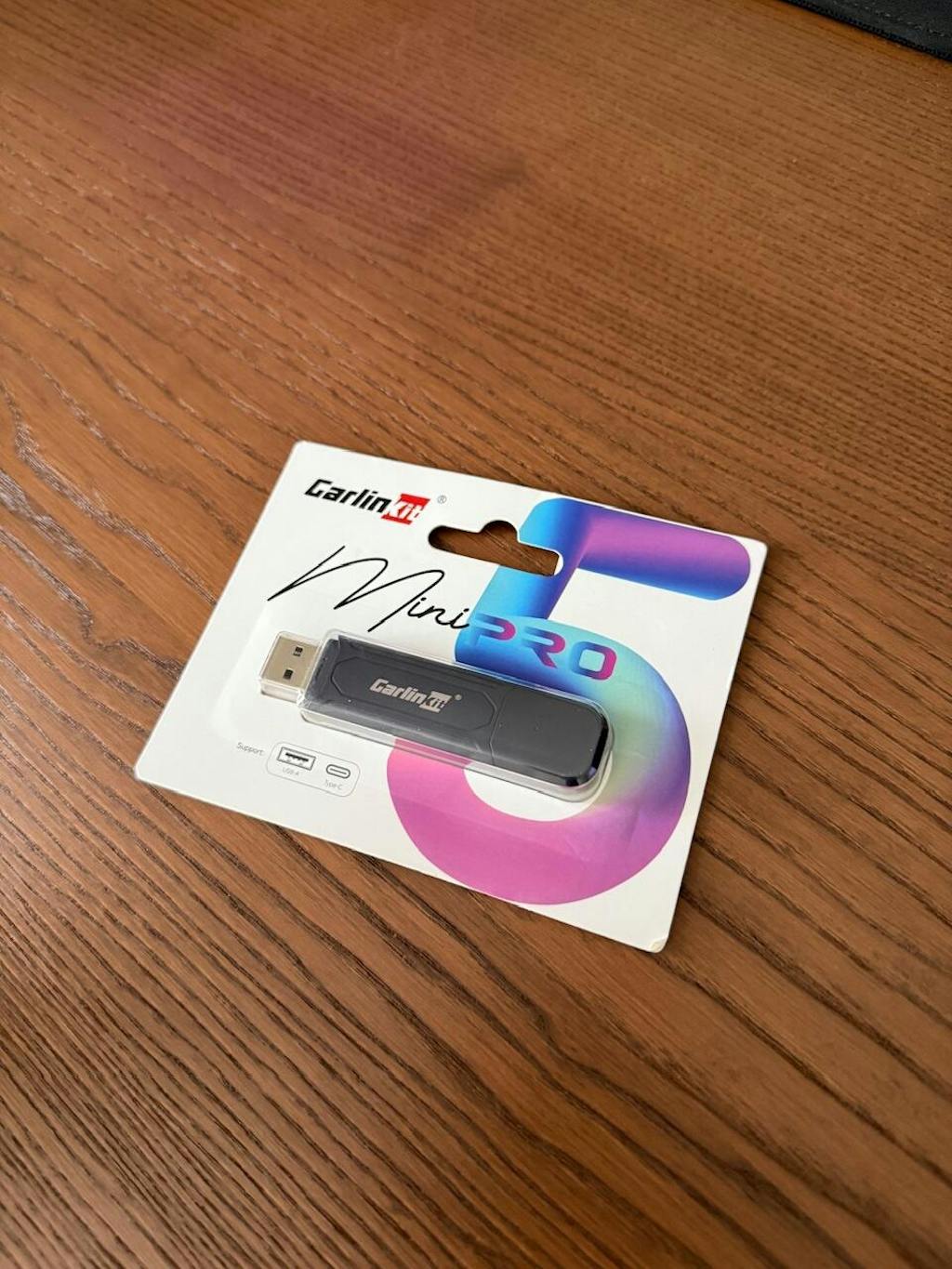
We highly recommend the Carlinkit Mini Ultra wireless adapter for the best experience. Factory systems only support wired connections—this adapter seamlessly converts it to wireless, giving you hassle-free access every time you start your car.
Do I need a new USB socket?
If your USB ports are marked Charge only, the socket must be replaced with the correct part number. This is separate from the activation and is your responsibility.
My headunit software version doesn't begin with MHI2, but RMC instead
Unfortunately, we can only support head units running MHI2 software versions. Other versions are not compatible.
Do you offer map updates?
We do not currently support map updates, however, we recommend navigation via Apple CarPlay or Android Auto using Google Maps, Apple Maps or Waze.

Buy Now, Pay Later
Pay in installments with 0% interest and no extra charges through Klarna

Customer Service
Prompt response to enquiries. Customer-first approach

Rapid Shipping
Unlock Fast Delivery: Get Your Order in No Time via Royal Mail Tracked 24/48