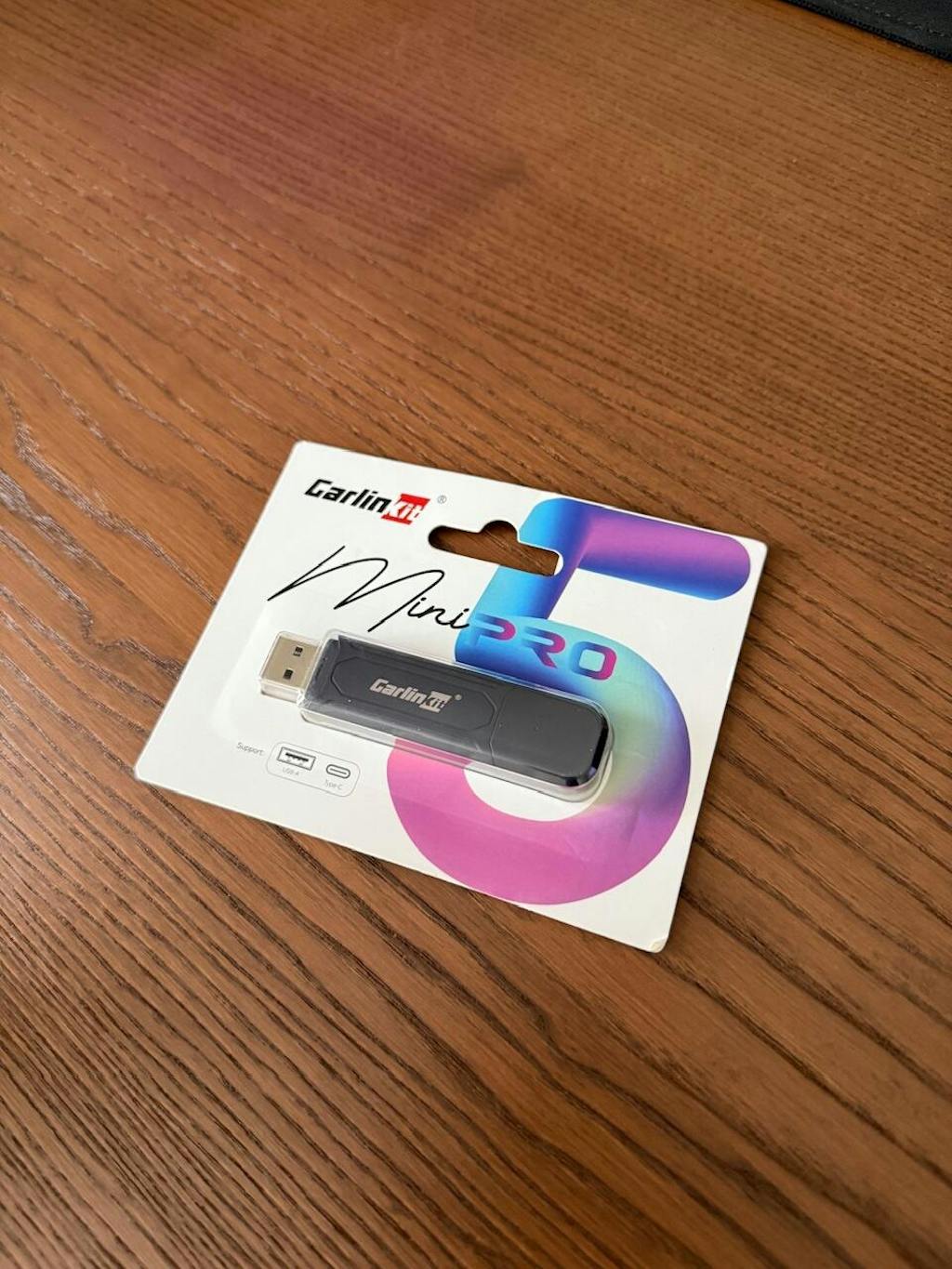
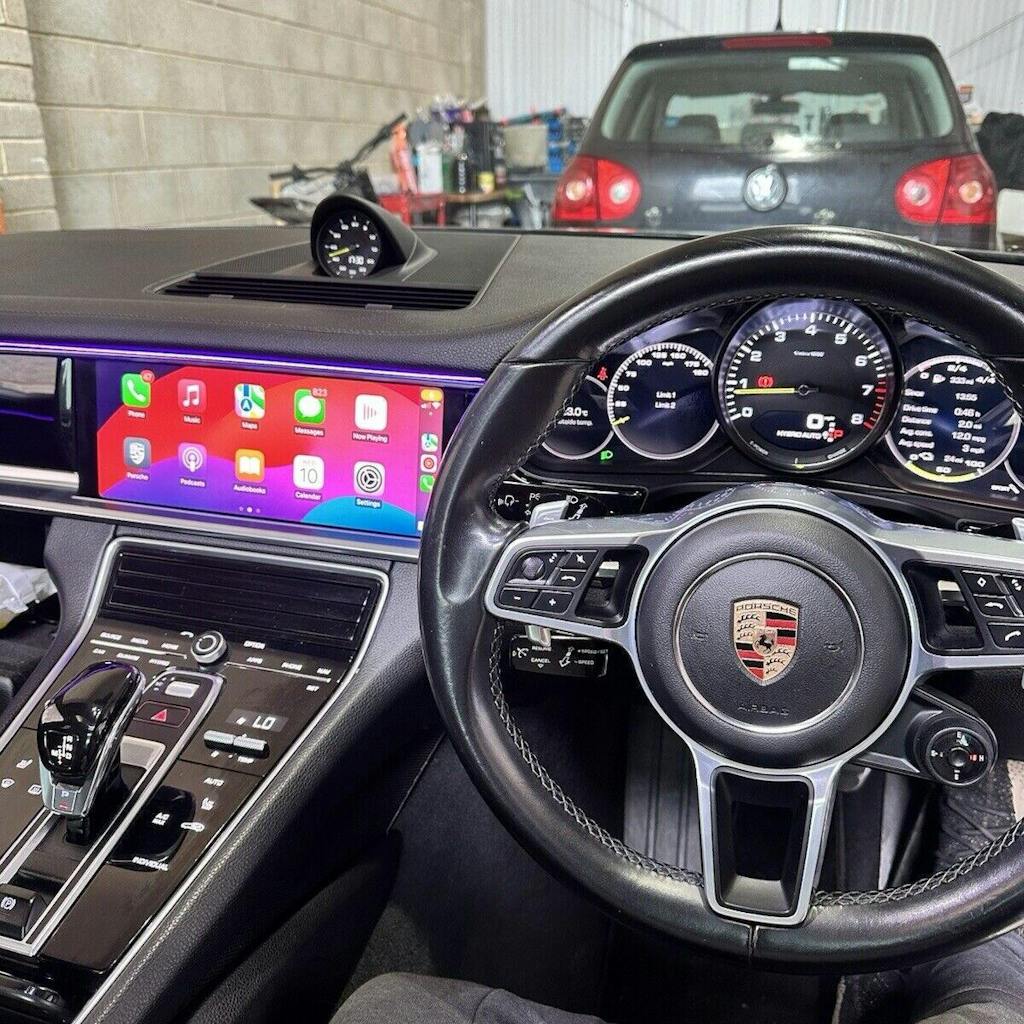
Vision Coding

Activation sans fil de CarPlay et Android Auto sur Skoda MIB3

Activation à distance qui permet d'utiliser sans fil Apple CarPlay ou Android Auto dans votre véhicule compatible (2020-2025).

Prix normal
£179.00 GBP
Prix unitaire
par
En stock, prêt à être expédié

Payez en 4 versements sans intérêt de 133,12 $ avec

Main features
  • Apple CarPlay sans fil - activez CarPlay sans câble.
  • Android Auto sans fil - activez Android Auto sans câble.
  • Activation à distance - nous effectuons l'activation pour vous.
  • Facile à installer - nous vous guidons tout au long du processus, dans le confort de votre foyer.
  • Activation à vie - nous activons ces fonctionnalités à vie.
How do I find my Release Version?

Compatible avec les véhicules Skoda fabriqués entre 2020 et 2025 avec les unités centrales MIB3. 

Vérifiez la version de votre unité centrale :
  1. Maintenez le bouton MENU pendant 3 secondes.
  2. Sélectionnez Mise à jour/versions logicielles.
  3. Cliquez sur Démarrer la mise à jour.
  4. Une fois dans le menu Ingénierie, sélectionnez Informations sur la version.
  5. Votre Version de sortie est affichée.

Exemple

MOI3_EU_SKMQB_P1560P

Note

Ce type de version de sortie n'est PAS compatible : MOI3_EU_SK_R8130L

Modèles compatibles

  • Superb III / Superb iV — à partir de 2020
  • Octavia IV — à partir de 2020
  • Karoq — à partir de l'année modèle 2021
  • Kodiaq — à partir de l'année modèle 2021
  • Scala — à partir de 2019/2020
  • Kamiq — à partir de 2019/2020
  • Fabia IV — à partir de 2021
  • Enyaq iV — à partir de 2021
How do I find out my VCRN?

For Skoda vehicles with MIB3 / MOI3 infotainment, the VCRN is usually read from the 5F – Information Electronics module.

Using the infotainment system:
  • Hold the MENU button for 3 seconds
  • Select Function enabling codes
  • Choose Installed codes
  • Select any valid code
  • Note the VCRN
Using ODIS:
  • Open 5F – Information Electronics
  • Check Measured values / Live data
  • Locate Individualization characteristic
Using OBDeleven:
  • Open Control Units
  • Select 5F – Information Electronics
  • Go to Live Data
  • Locate Individualization characteristic
Using VCDS:
  • Connect to the vehicle and open 5F – Information Electronics
  • Go to Advanced Measuring Values / Measuring Values
  • Search for Individualization characteristic
  • The value shown here is the one commonly used as the VCRN
What do I need for activation?

For us to carry out the remote activation session, you will need the following:

  1. A USB-C drive with at least 32GB of storage.
  2. A Windows or Mac computer.
  3. Up to 90 minutes of your time.

Get in touch with us today! Click the WhatsApp button in the bottom right to start chatting with us to confirm compatibility.

Refund policy

Due to the nature of this service, we will perform a one-time lifetime activation on your headunit and therefore it is non-refundable.

Disclaimer

By purchasing this service, I consent to remote setup via software connection and acknowledge that this starts the service and waives my 14‑day cancellation right under the Consumer Contracts Regulations 2013. I understand refunds are only available if the service is faulty or not performed with reasonable care and skill.

Activation sans fil de CarPlay et Android Auto sur Skoda MIB3
Default Title
Prix normal
£179.00 GBP
Prix unitaire
par

Activation sans fil de CarPlay et Android Auto sur Skoda MIB3

Connected Driving, Redefined

Apple CarPlay & Android Auto Integration

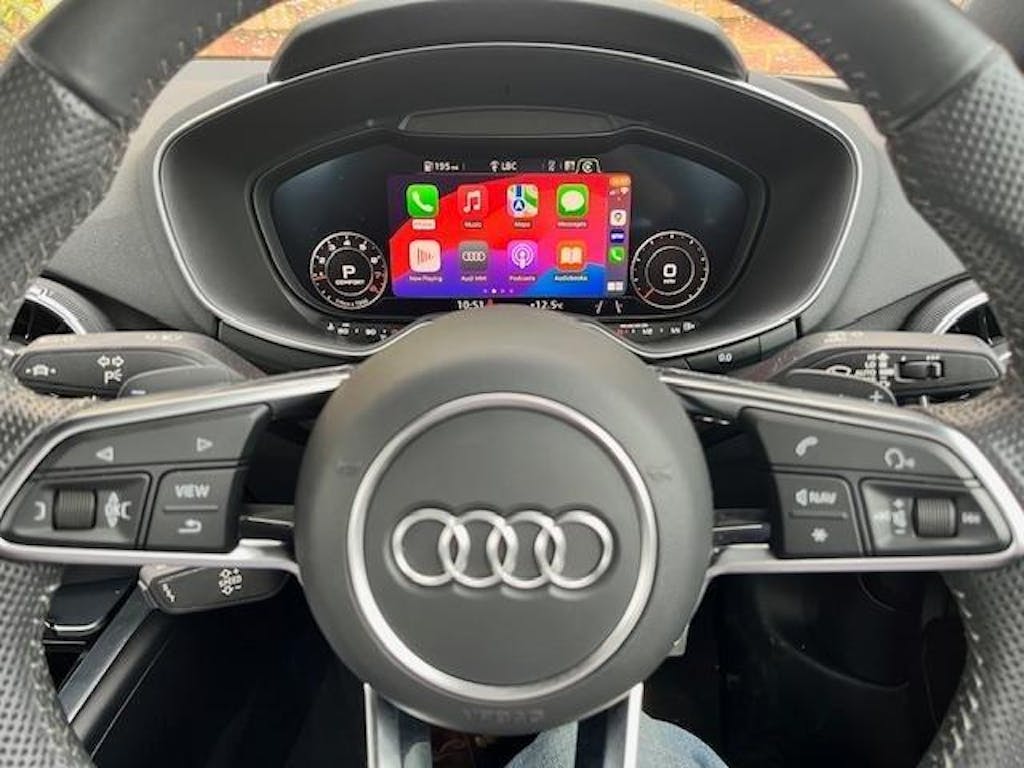
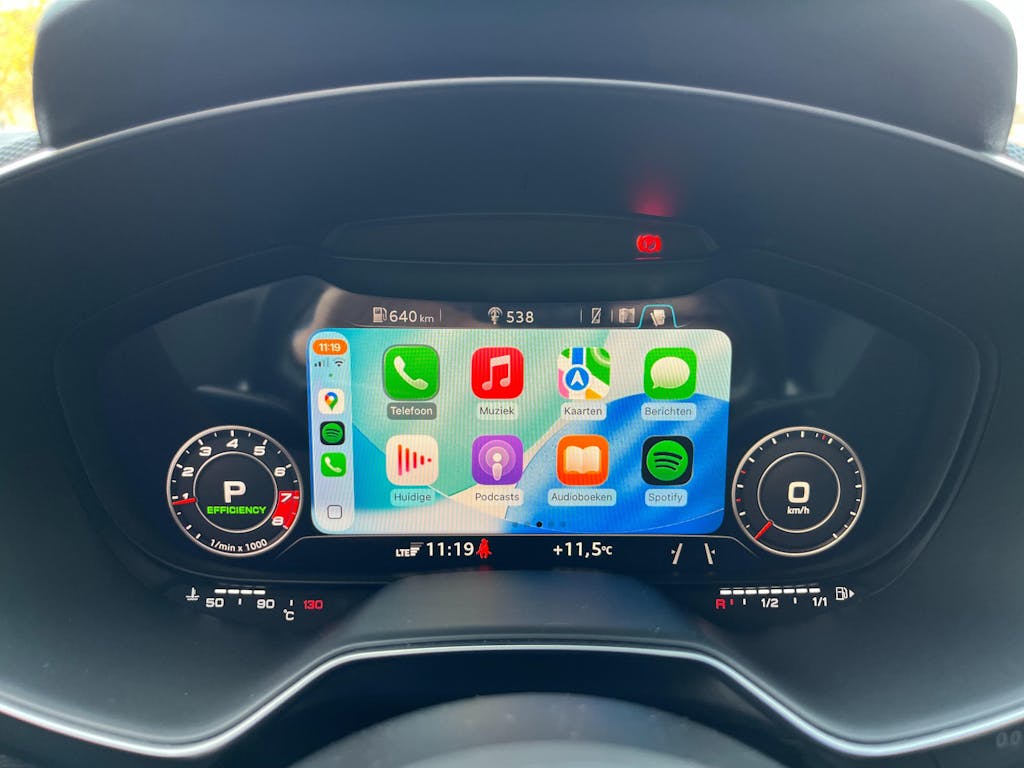
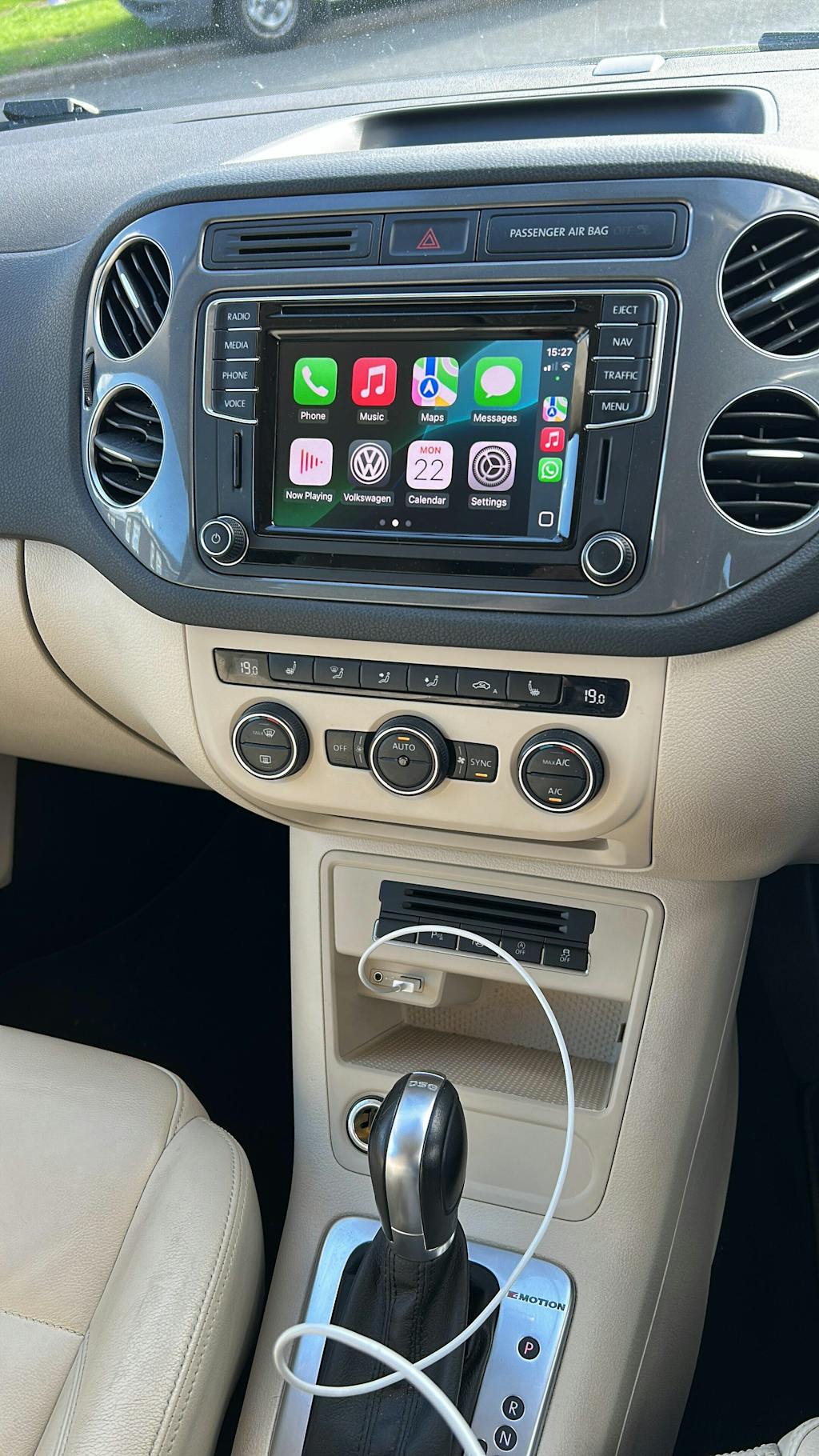
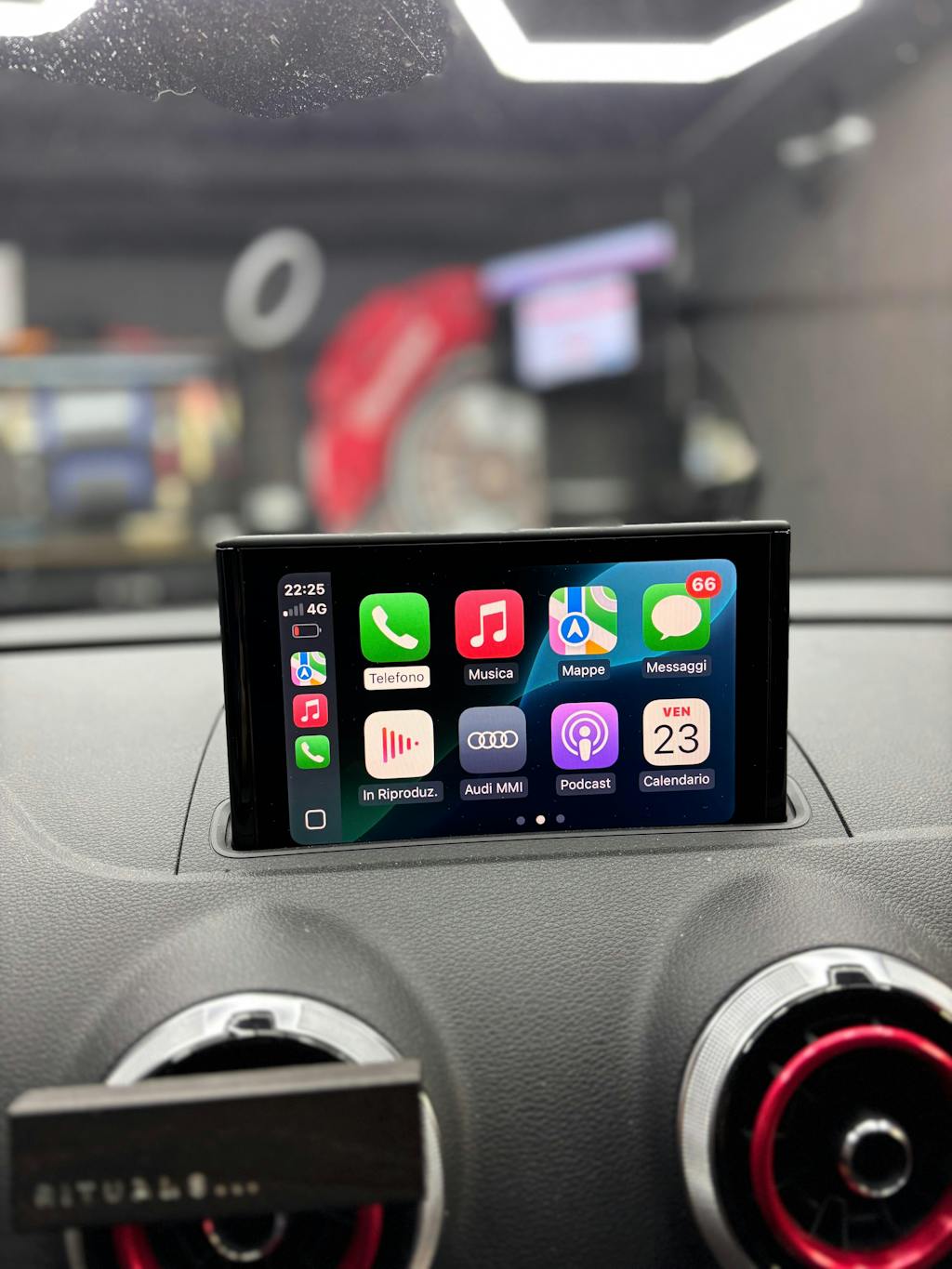
Experience seamless connectivity with Apple CarPlay® and Android Auto™. Access your maps, messages, music, and calls directly from your vehicle’s screen — all with hands-free control. Designed for safety, convenience, and premium in-car tech.

Image
Image
Image
Smart Navigation

Live directions via Apple Maps, Google Maps, or Waze — fully hands-free.

Image
Voice Control

Make calls, send texts, and hear alerts with Siri or Google Assistant.

Image
Seamless Media

Play music and podcasts from your favourite apps, such as Spotify, on the go.

Image
Smart Navigation

Live directions via Apple Maps, Google Maps, or Waze — fully hands-free.

Image
Voice Control

Make calls, send texts, and hear alerts with Siri or Google Assistant.

Image
Seamless Media

Play music and podcasts from your favourite apps, such as Spotify, on the go.

Image

Buy Now, Pay Later

Pay in installments with 0% interest and no extra charges through Klarna

Image

Customer Service

Prompt response to enquiries. Customer-first approach

Image

Rapid Shipping

Unlock Fast Delivery: Get Your Order in No Time via Royal Mail Tracked 24/48