Popular searches
- vw app connect
- Golf mk7
- MIB2
- bmw nbtevo
- carlinkit
- porsche pcm4


VW MIB2 CarPlay/Android Auto Activation
VW MIB2 CarPlay/Android Auto Activation

Audi TT MK3 CarPlay/Android Auto Activation
Audi TT MK3 CarPlay/Android Auto Activation

SEAT MIB2 CarPlay/Android Auto Activation
SEAT MIB2 CarPlay/Android Auto Activation

Skoda MIB2 CarPlay/Android Auto Activation
Skoda MIB2 CarPlay/Android Auto Activation

JAECOO 7 4K WiFi OEM-Style Dashcam
JAECOO 7 4K WiFi OEM-Style Dashcam

BMW NBTevo ID6/ID6 Apple CarPlay Activation
BMW NBTevo ID6/ID6 Apple CarPlay Activation

PCM5 Widescreen CarPlay/Android Auto Activation
PCM5 Widescreen CarPlay/Android Auto Activation

Wireless CarPlay/Android Auto Retrofit Module
Wireless CarPlay/Android Auto Retrofit Module

Carlinkit Mini Ultra 3 - makes factory wired CarPlay wireless.
Carlinkit Mini Ultra 3 - makes factory wired CarPlay wireless.


Install wired Apple CarPlay or Android Auto in your compatible vehicle with Discover Pro infotainment system (2015-2020) in under 10 minutes.
Ends in
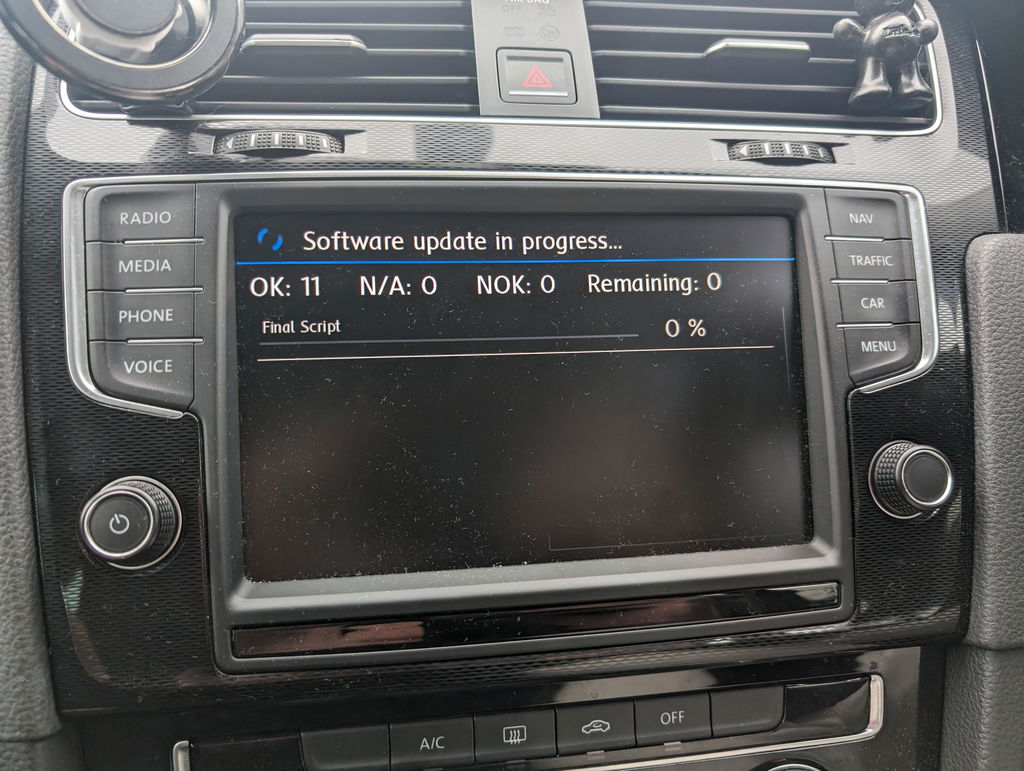
Email – you load the files onto your own SD card (8–32GB) using a Windows or Mac computer. We send them within 1–12 hours.
SD Card – we post you a card that’s ready to insert. No computer or spare card needed.
Not sure? Pick SD Card.
UPGRADE TO WIRELESS (RECOMMENDED)
No products found
Delivered fast – by email within 24 hours, or as a sealed SD card. Each provides a one-time software activation.
By purchasing, you request immediate supply and acknowledge that downloading the files or unsealing the SD card ends your 14-day cancellation right under the Consumer Contracts Regulations 2013.
Refunds are only available if the content or card is faulty or not as described.
Email – you load the files onto your own SD card (8–32GB) using a Windows or Mac computer. We send them within 1–12 hours.
SD Card – we post you a card that’s ready to insert. No computer or spare card needed.
Not sure? Pick SD Card.
Connected Driving, Redefined
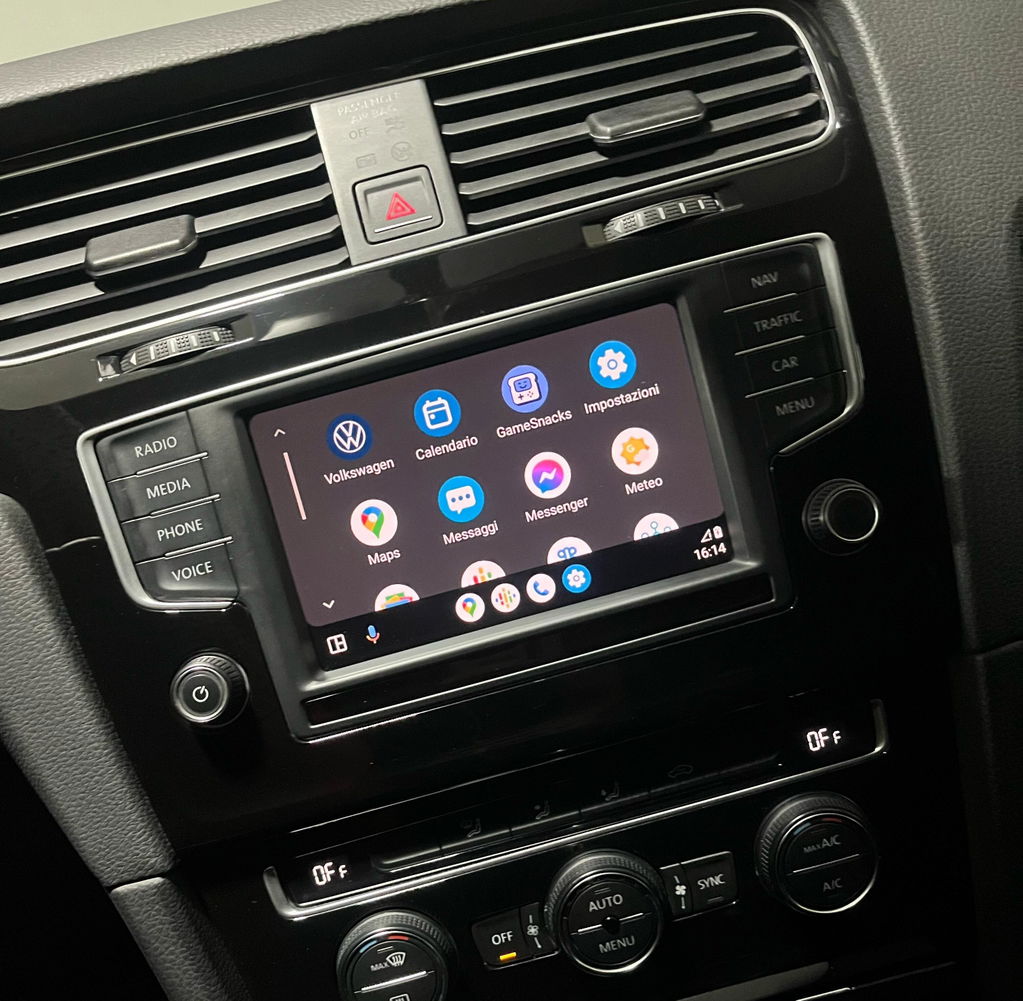
Apple CarPlay & Android Auto Integration
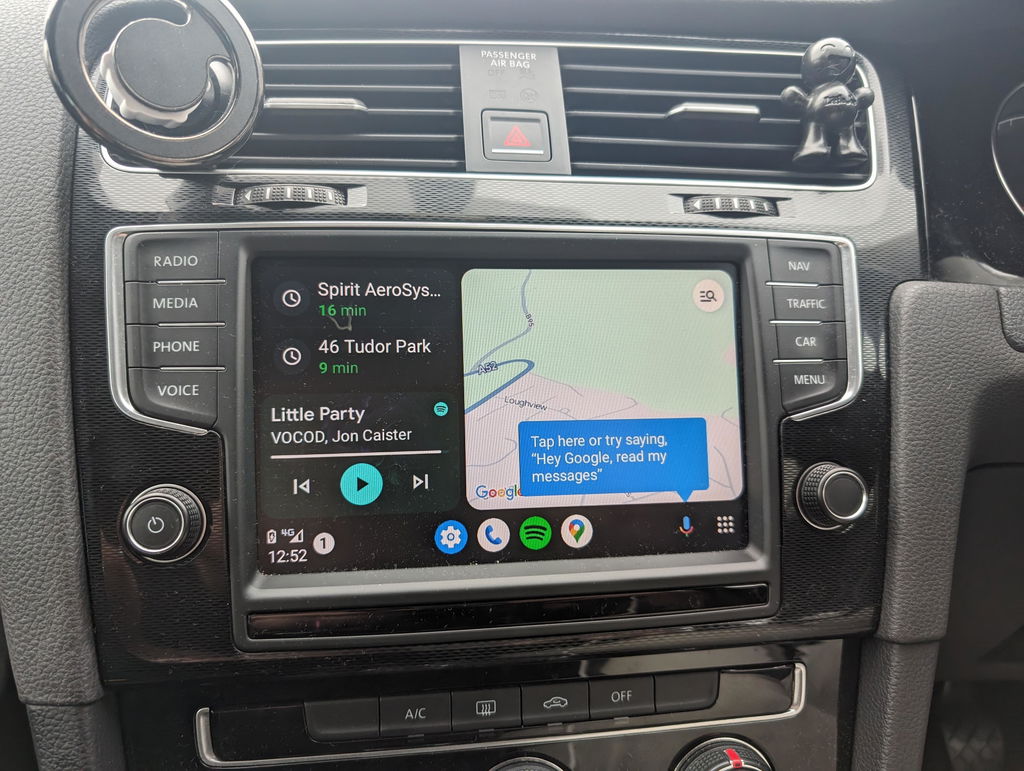
Experience seamless connectivity with Apple CarPlay® and Android Auto™. Access your maps, messages, music, and calls directly from your vehicle’s screen – all with hands-free control. Designed for safety, convenience, and premium in-car tech.


Live directions via Apple Maps, Google Maps, or Waze – fully hands-free.

Make calls, send texts, and hear alerts with Siri or Google Assistant.

Play music and podcasts from your favourite apps, such as Spotify, on the go.
Live directions via Apple Maps, Google Maps, or Waze – fully hands-free.
Make calls, send texts, and hear alerts with Siri or Google Assistant.
Play music and podcasts from your favourite apps, such as Spotify, on the go.
Frequently asked questions
What's the difference between Email and SD card?
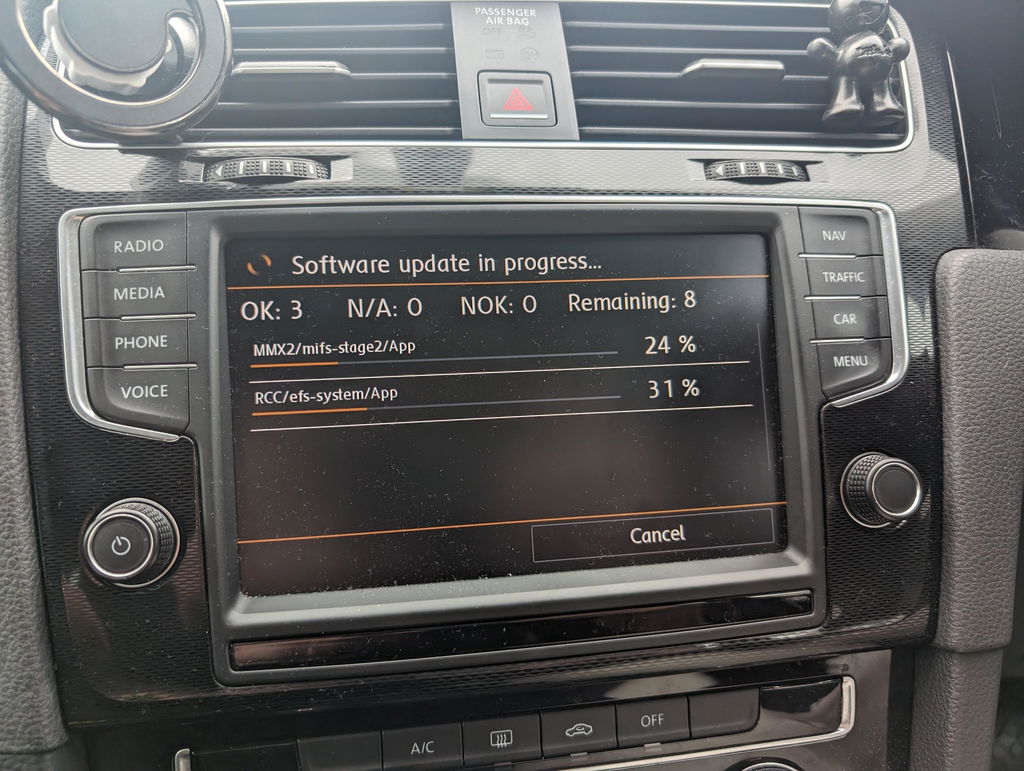
Your order data for your Installed SW Train Version will be delivered via email within 24 hours. Instructions are included. You will need your own Windows or Mac device + spare SD card (between 8-32GB) to carry out the installation.
You will receive a pre-loaded SD card via the post, plus instructions. No computer or spare SD card needed. This is also the easiest option as it will essentially be plug-and-play.
I only have a slot labelled SD, will this work for me?
In most cases, this product is not suitable for your vehicle. Due to technical reasons, we are unable to support this type of headunit. Some vehicles have a separate SD slot, typically not on the headunit itself. This is also not compatible.
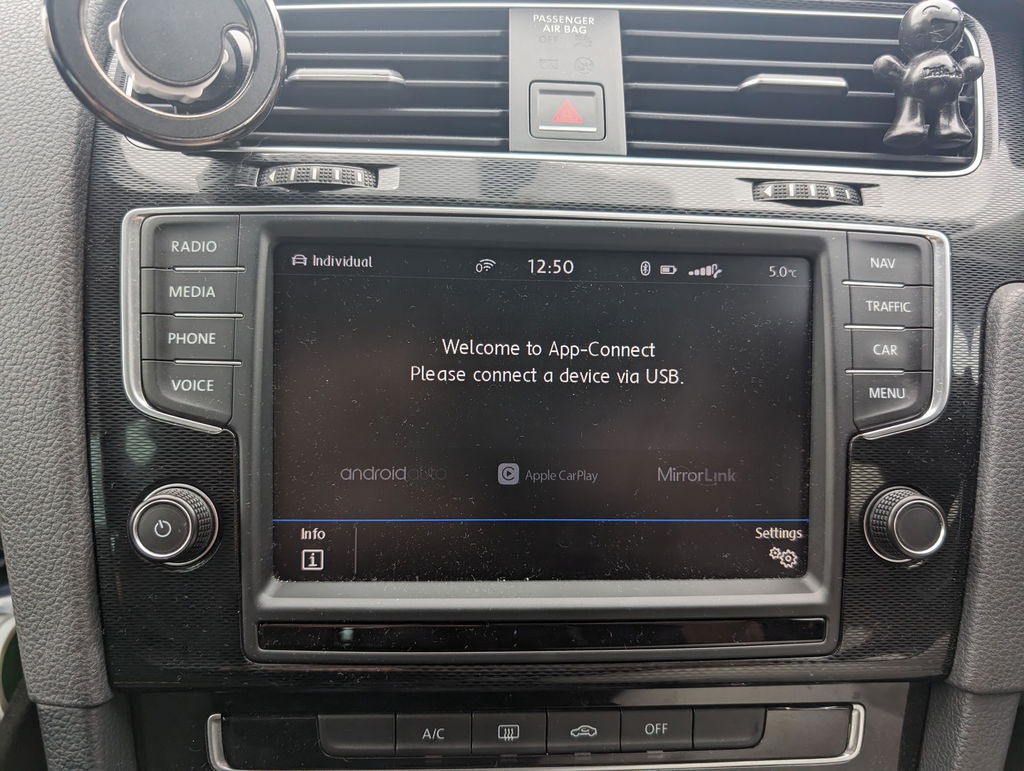
The only exception is if you have 1 slot and the App-Connect function in your infotainment system and your software version ends with the letter D. If in doubt, do get in touch with us to confirm.
Do I need any upgrades?
We highly recommend the Carlinkit Mini Ultra wireless adapter for the best experience. Factory systems only support wired connections–this adapter seamlessly converts it to wireless, giving you hassle-free access every time you start your car.
My car model is 2015/2016. Do I need a new USB socket?
Refer to our handy how-to guide here for learn more.
Do you offer map updates?
We do not currently support map updates, however, we recommend navigation via Apple CarPlay or Android Auto using Google Maps, Apple Maps or Waze.
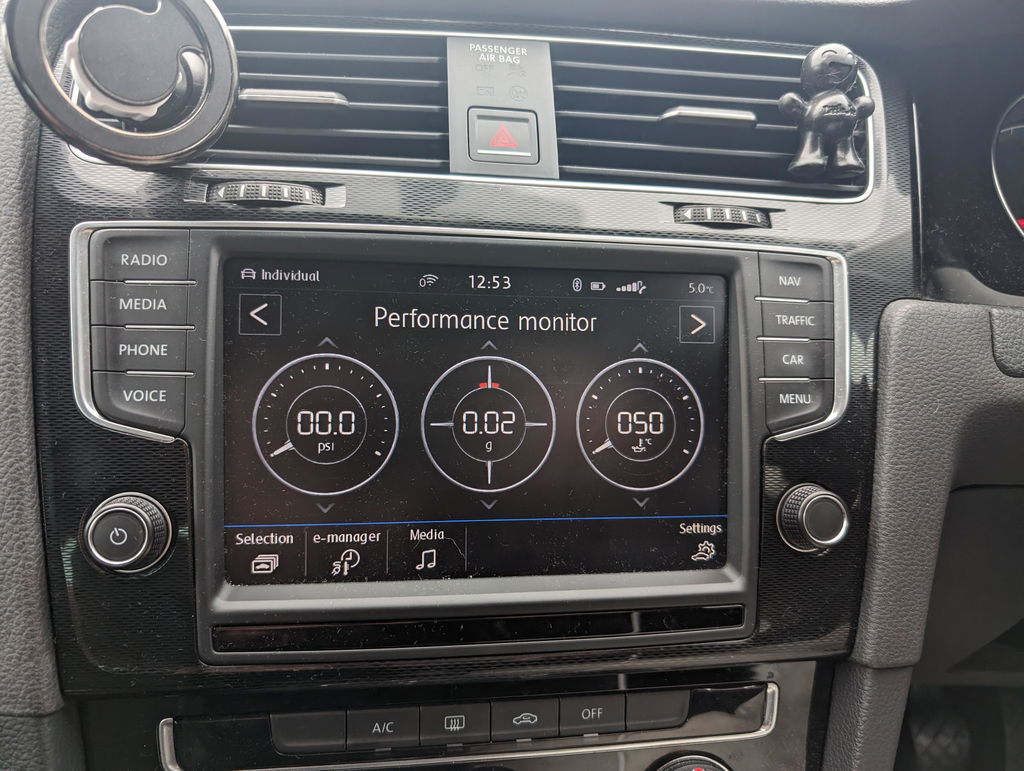
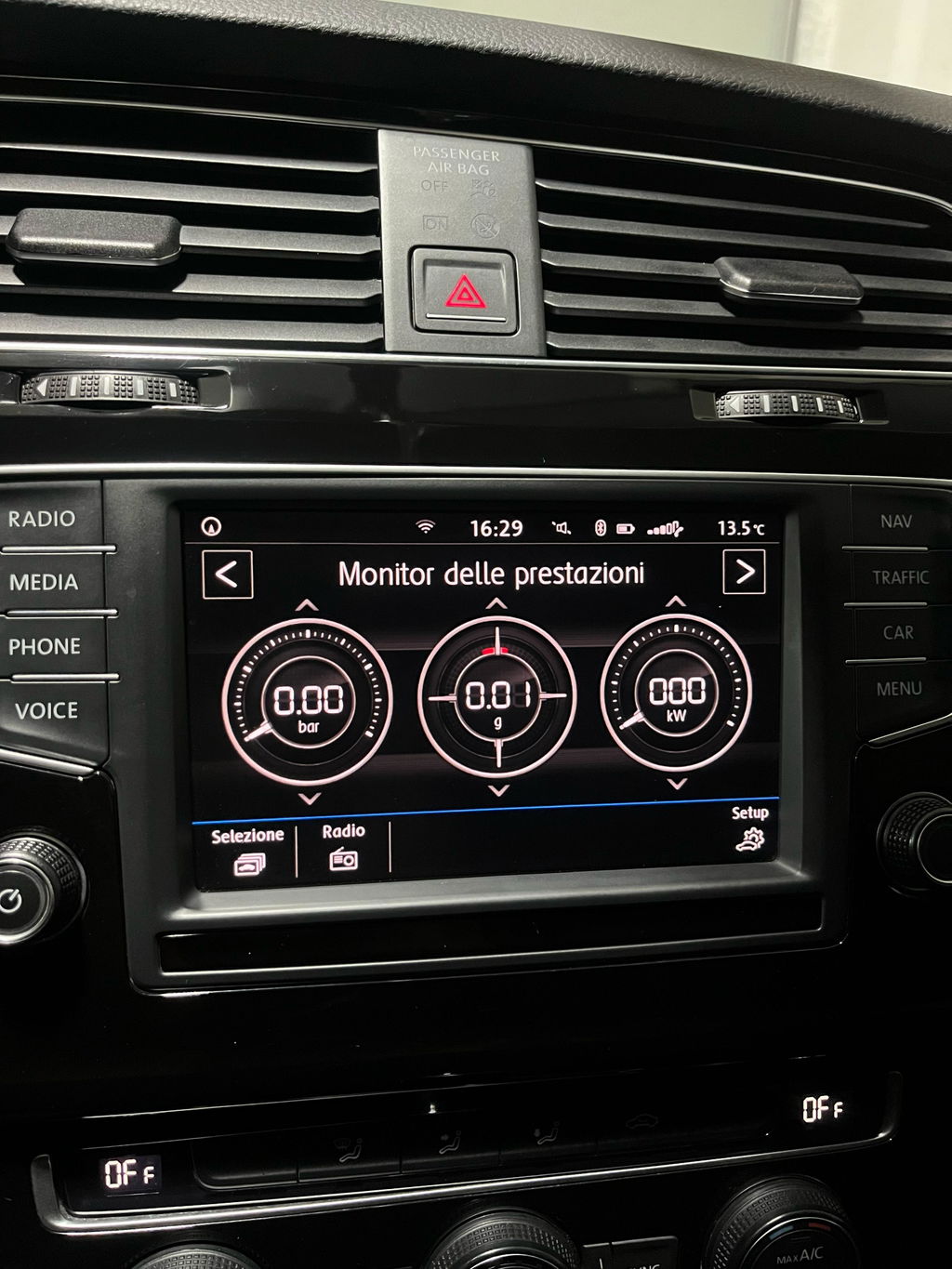
Was originally only looking for android auto activated in my golf so messaged the guys at vision coding and they were able to tell me everything I needed to know on how to get it activated. My radios part number was slightly different from the ones listed but they assured me that it would work regardless and it did. Everything and I mean EVERYTHING is now enabled; android auto, maps, carplay, performance monitor. Literally everything that could be activated is now activated. Would highly recommend these guys for others.
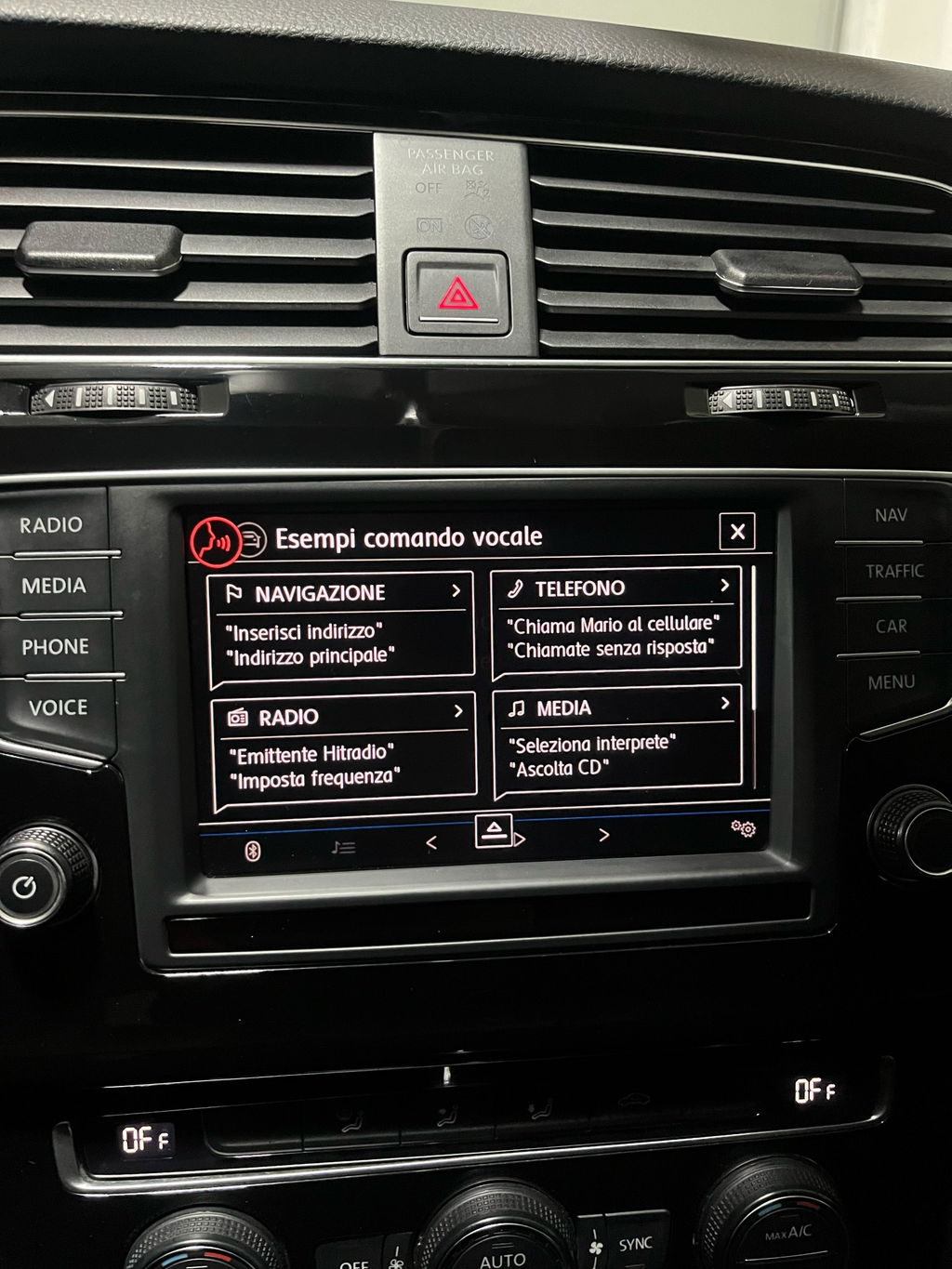
Ha soddisfatto le mie esigenze attivando i comandi vocali, android auto/apple car play e monitor prestazioni .
Istruzioni semplici e chiare.
🌟🌟🌟🌟🌟


Buy Now, Pay Later
Pay in instalments with 0% interest through Shop Pay or Klarna

600 reviews
Rated 4.7 on Trustpilot and 5.0 on Google by customers since 2023.

Worldwide shipping
Dispatched within 1 working day, to the UK and worldwide.